LO 1
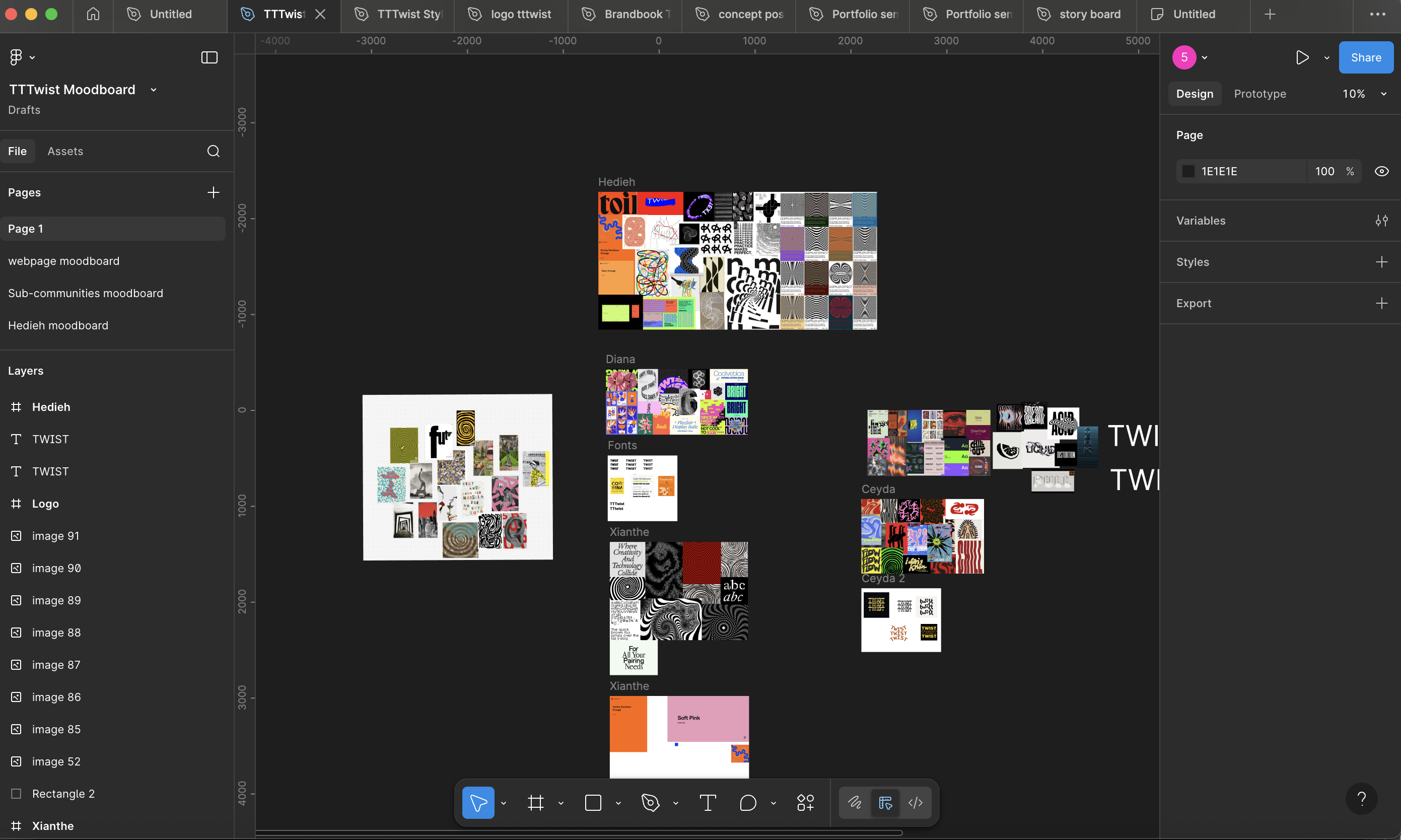
Moodboard for Branding Twist Twist Twist
What did I do
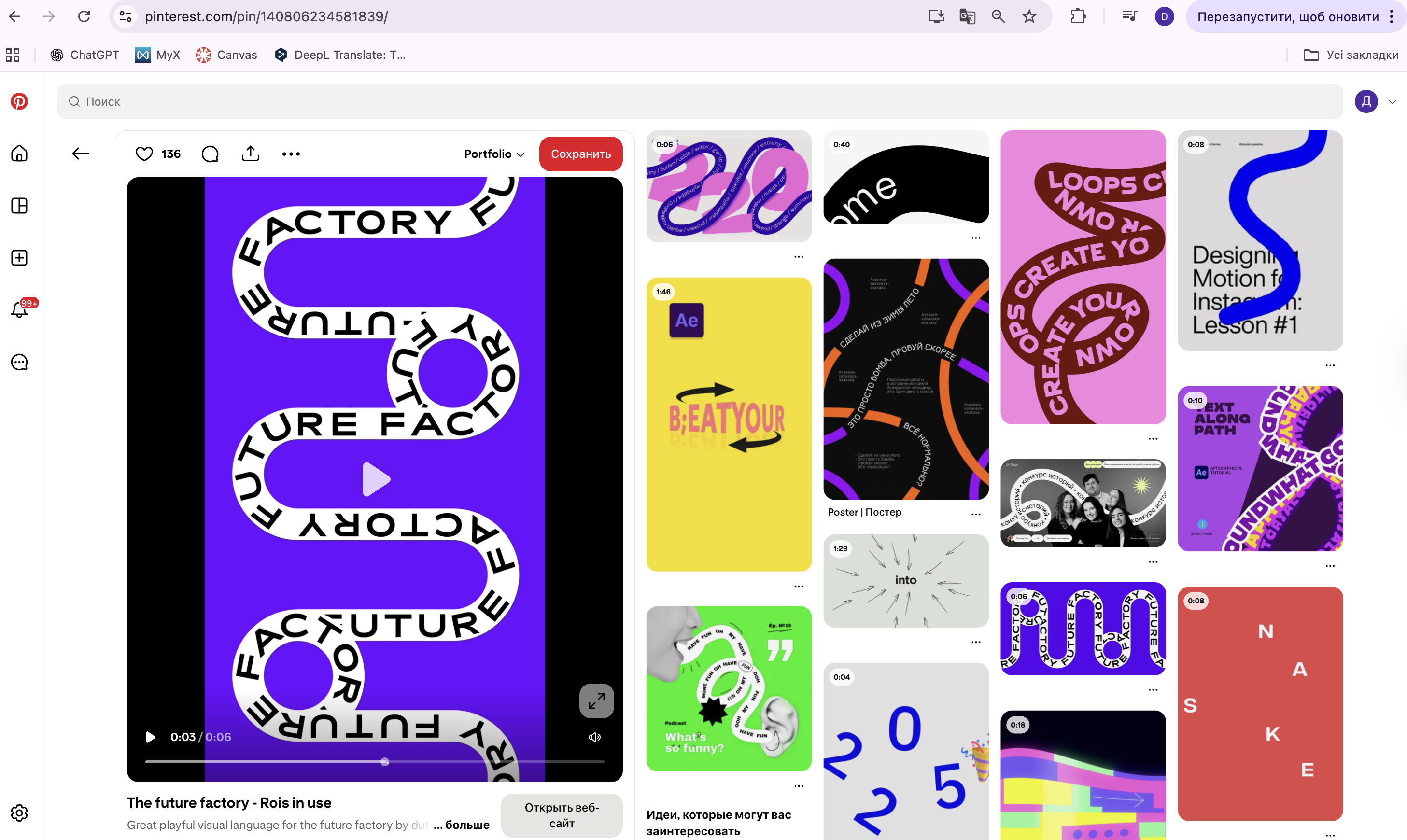
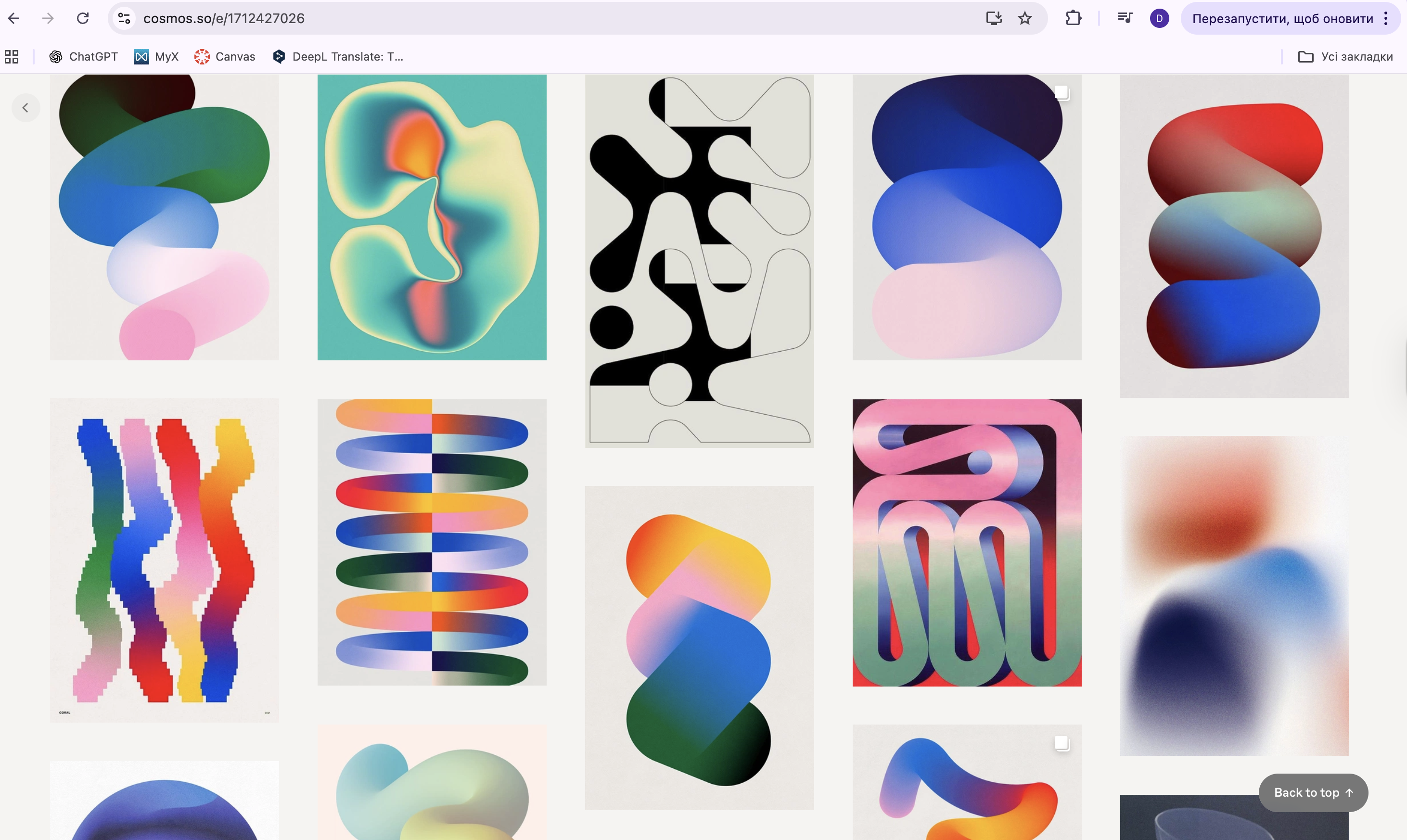
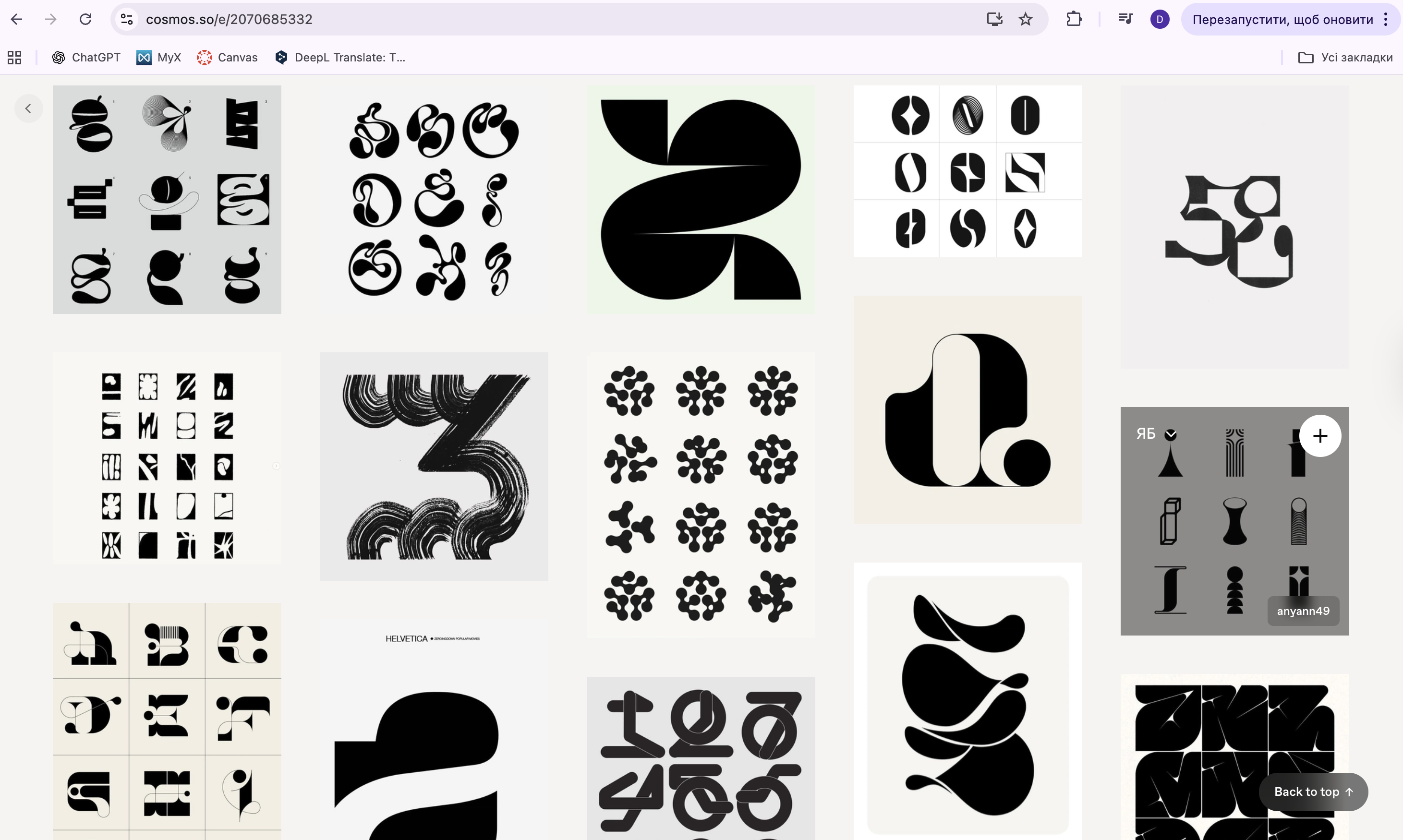
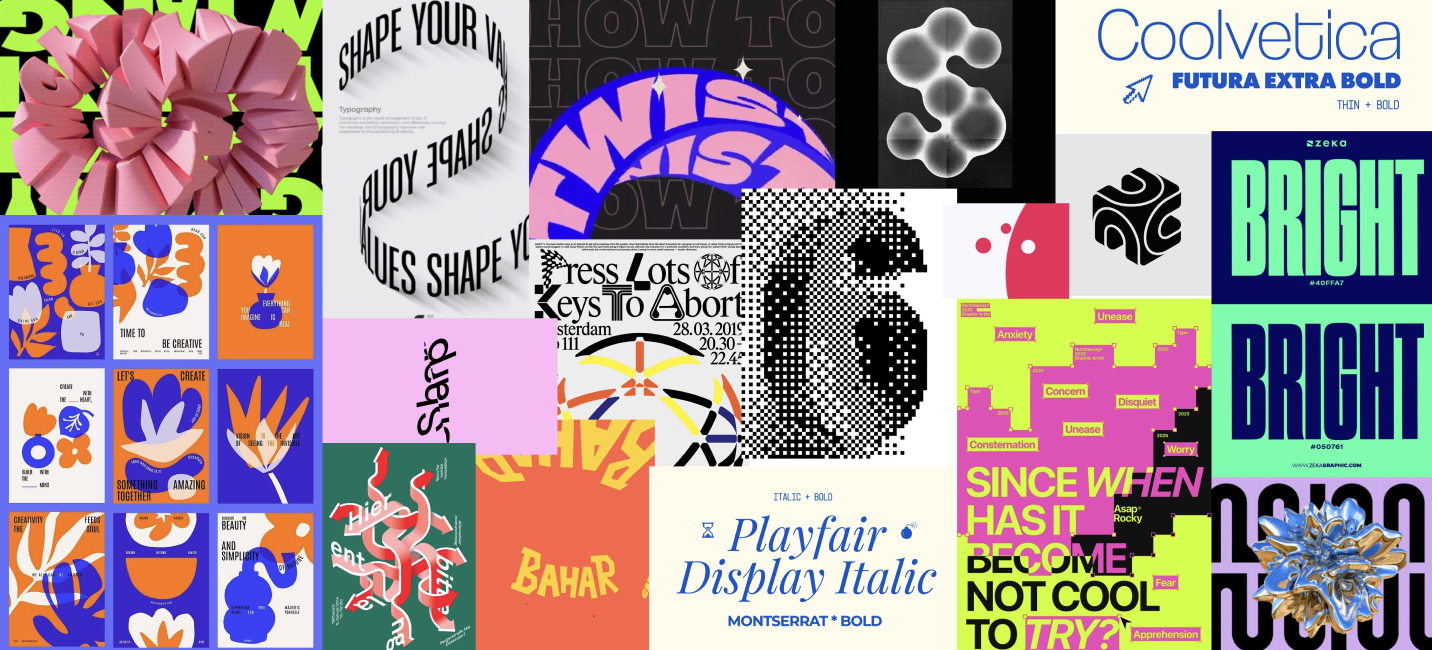
We started by discussing our team’s interests, style preferences, and the vibe we wanted for our agency, Twist Twist Twist. Then, I created a moodboard using Pinterest and Cosmos, focusing on dynamic, colorful, neon visuals that matched the idea of "twist." We shared our moodboards and gave each other feedback.
How did it go
This process helped us align our creative vision. Sharing visual inspiration made it easier to understand how each person saw the agency. Giving and receiving feedback helped us choose what styles and colors worked best. By the end, we had a clear and shared direction for our agency's identity.
What did I learn
I learned how to translate abstract ideas like “twist” into visual concepts and how to support design choices with reasoning. Working with moodboards also helped me see how important early visual exploration is for building a strong brand identity.
Retrospective
Next time, I’d suggest we combine our favorite elements into one shared moodboard earlier, so we save time. I’d also try to explore more visual references beyond Pinterest to bring in a wider range of ideas.
Creating Logo
What did I do
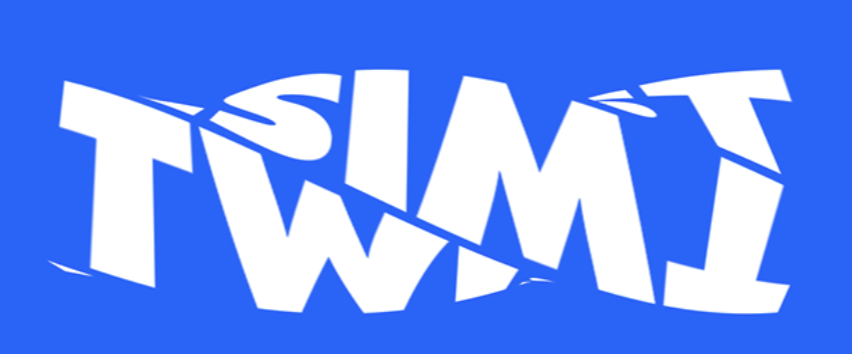
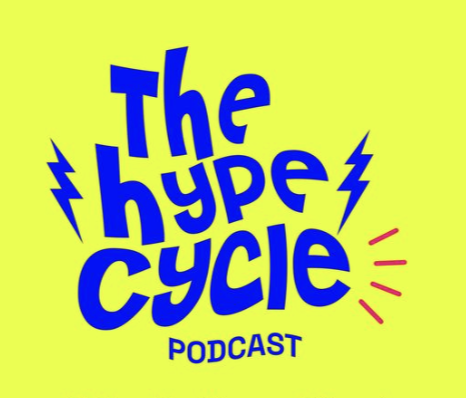
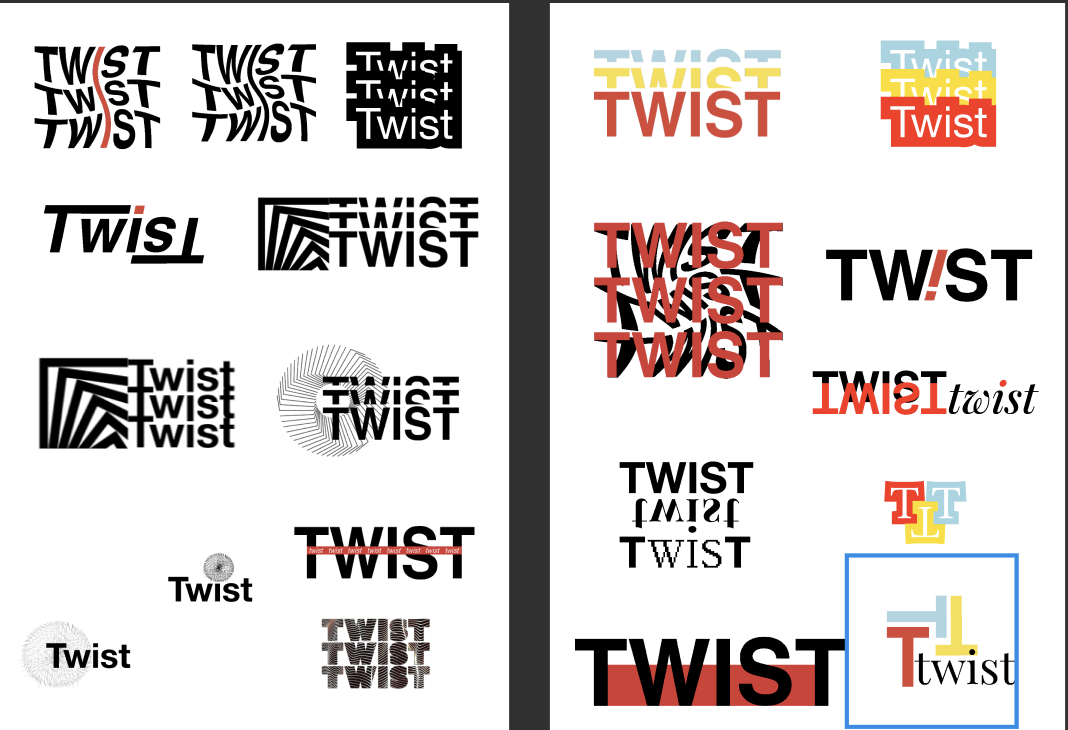
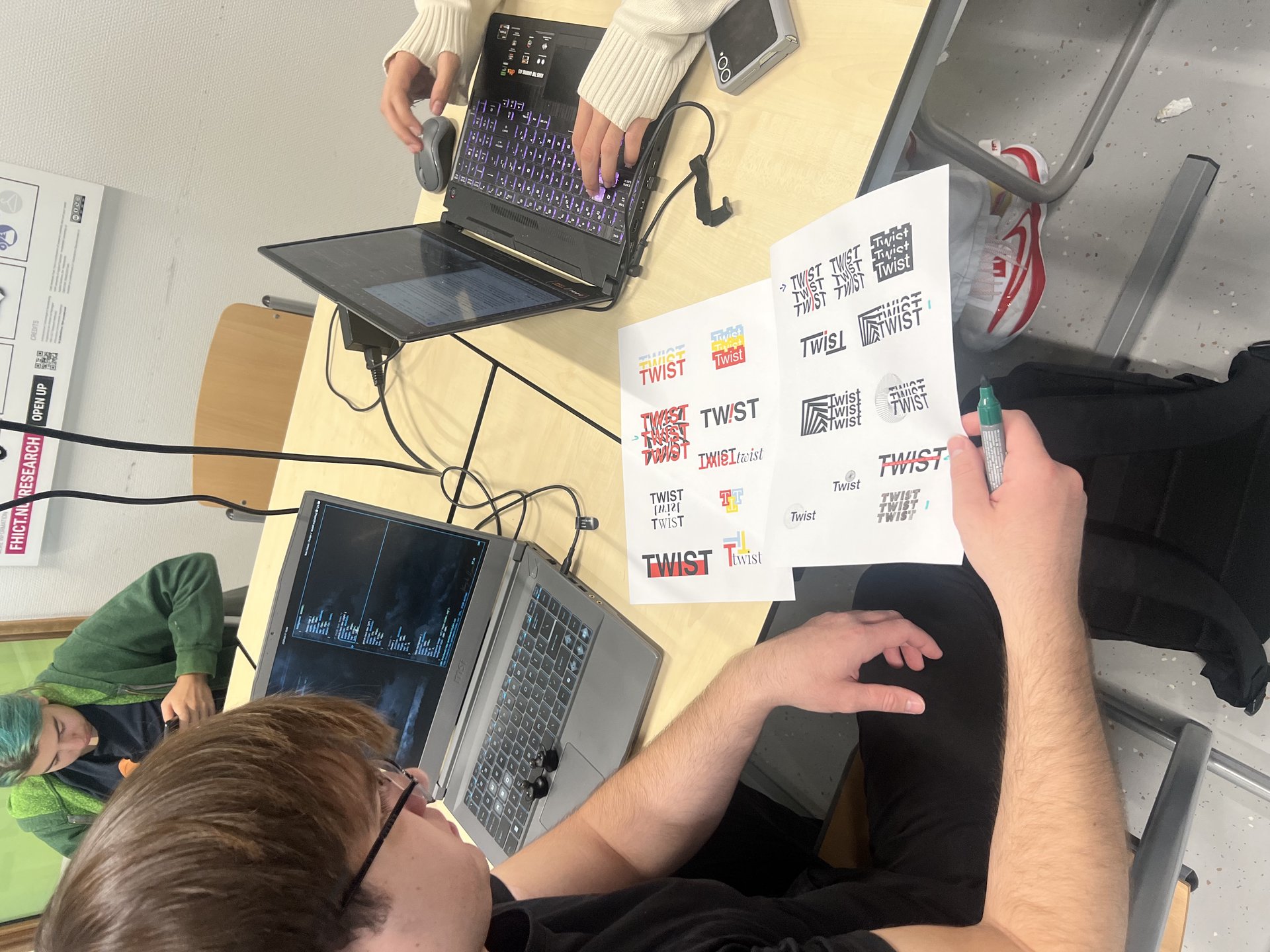
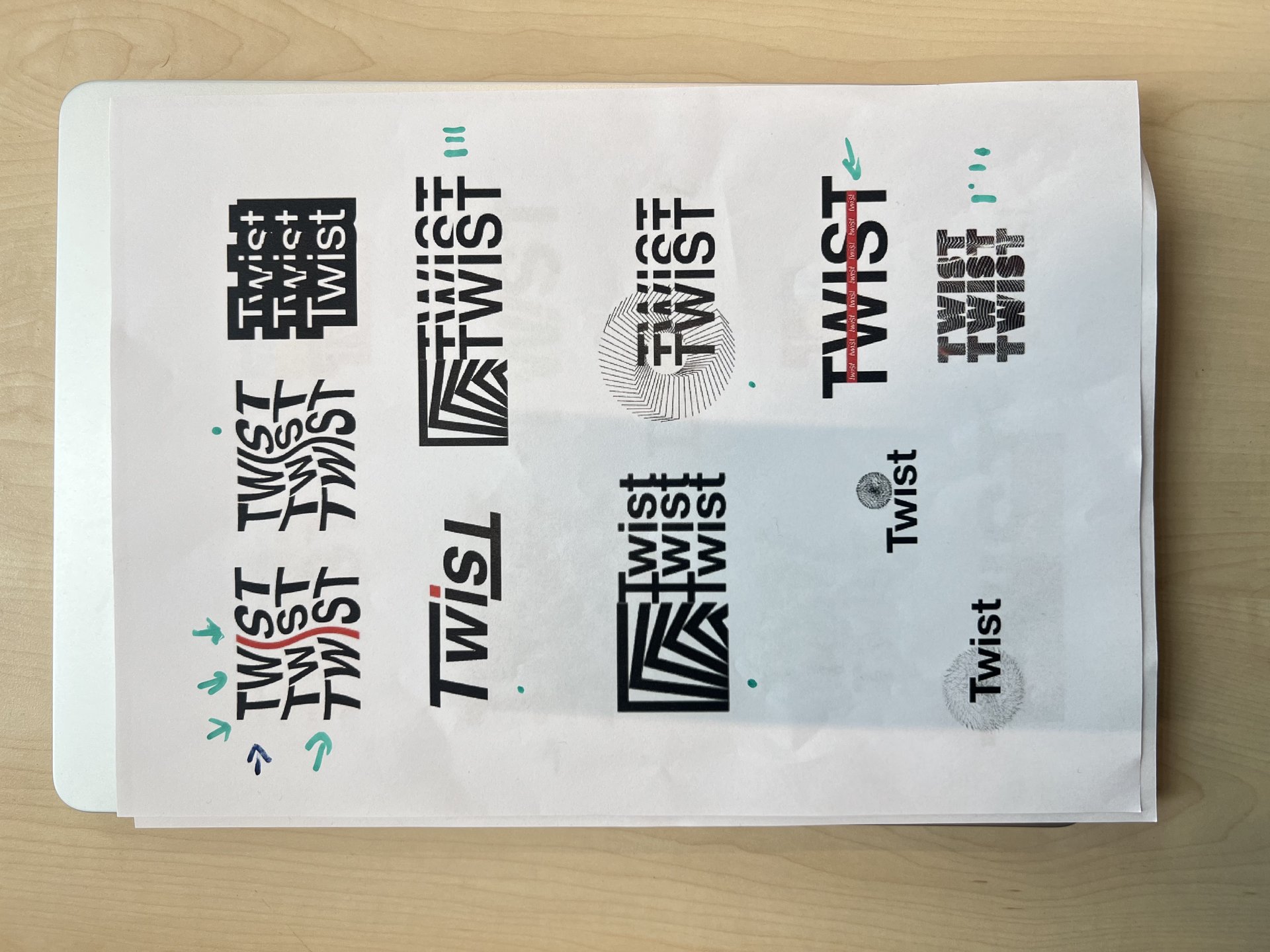
I created a logo for our group, TWIST TWIST TWIST. I began by looking for inspiration on Pinterest, focusing on dynamic visuals that reflect movement. I made digital sketches on my tablet, then played with different fonts in Figma. After receiving team feedback, I developed more refined versions in Adobe Illustrator.
How did it go
The creative process moved smoothly after I understood the team’s preferences. Working in different tools helped me shape a clearer design. I felt more confident about the direction once we aligned on the concept.
What did I learn
I learned how to build a design from abstract ideas like motion. Exploring multiple directions made it easier to find the right fit. I also learned how to Design through feedback – Use critique as an essential design tool to strengthen clarity and functionality.
Retrospective
Next time, I’d test more type options earlier in the process. I’d also try quick animation mockups to explore movement visually. Overall, I felt the workflow gave me a solid foundation to build a fitting logo.
Idea for Portfolio
What did I do
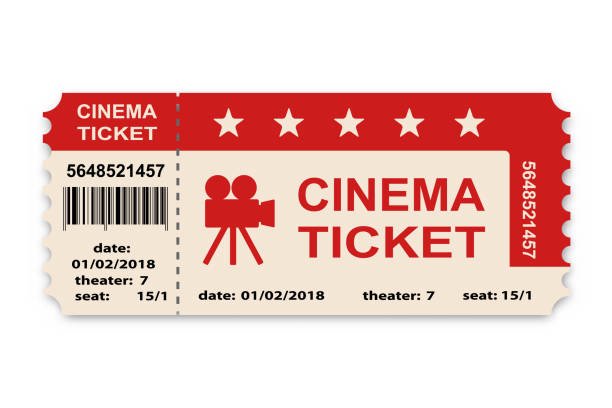
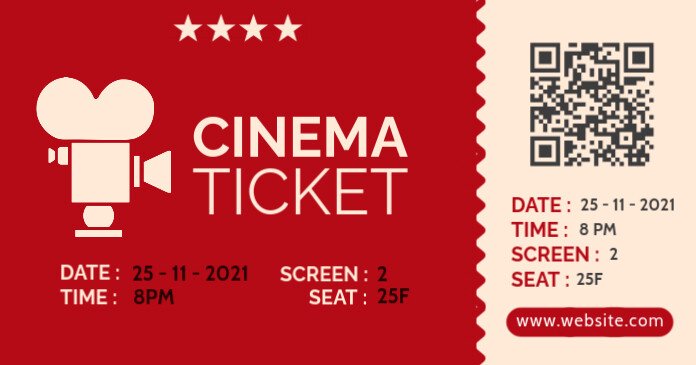
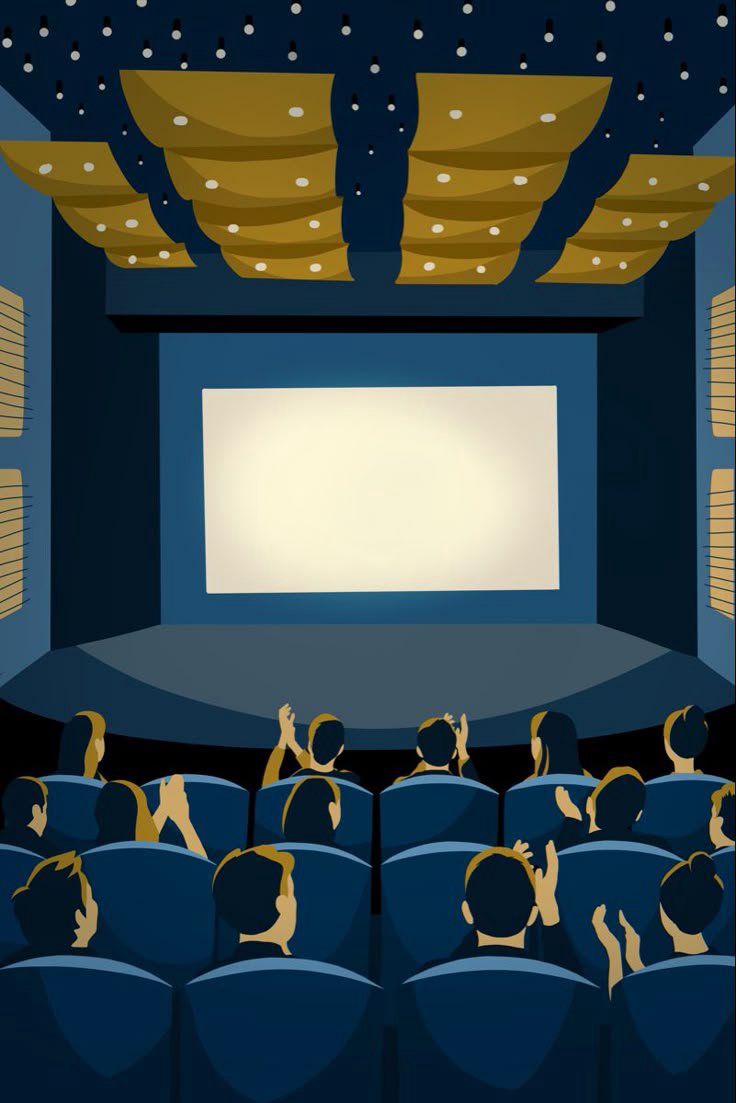
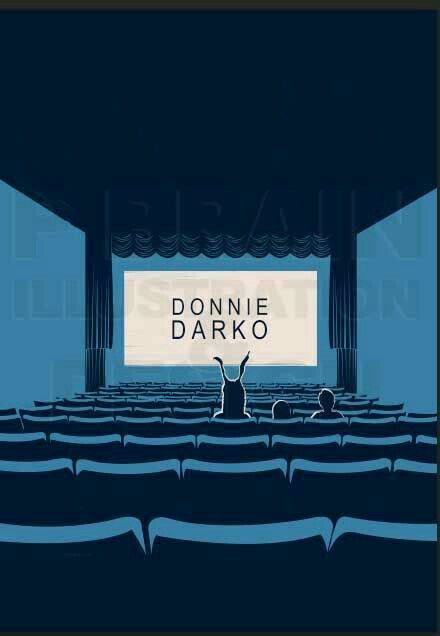
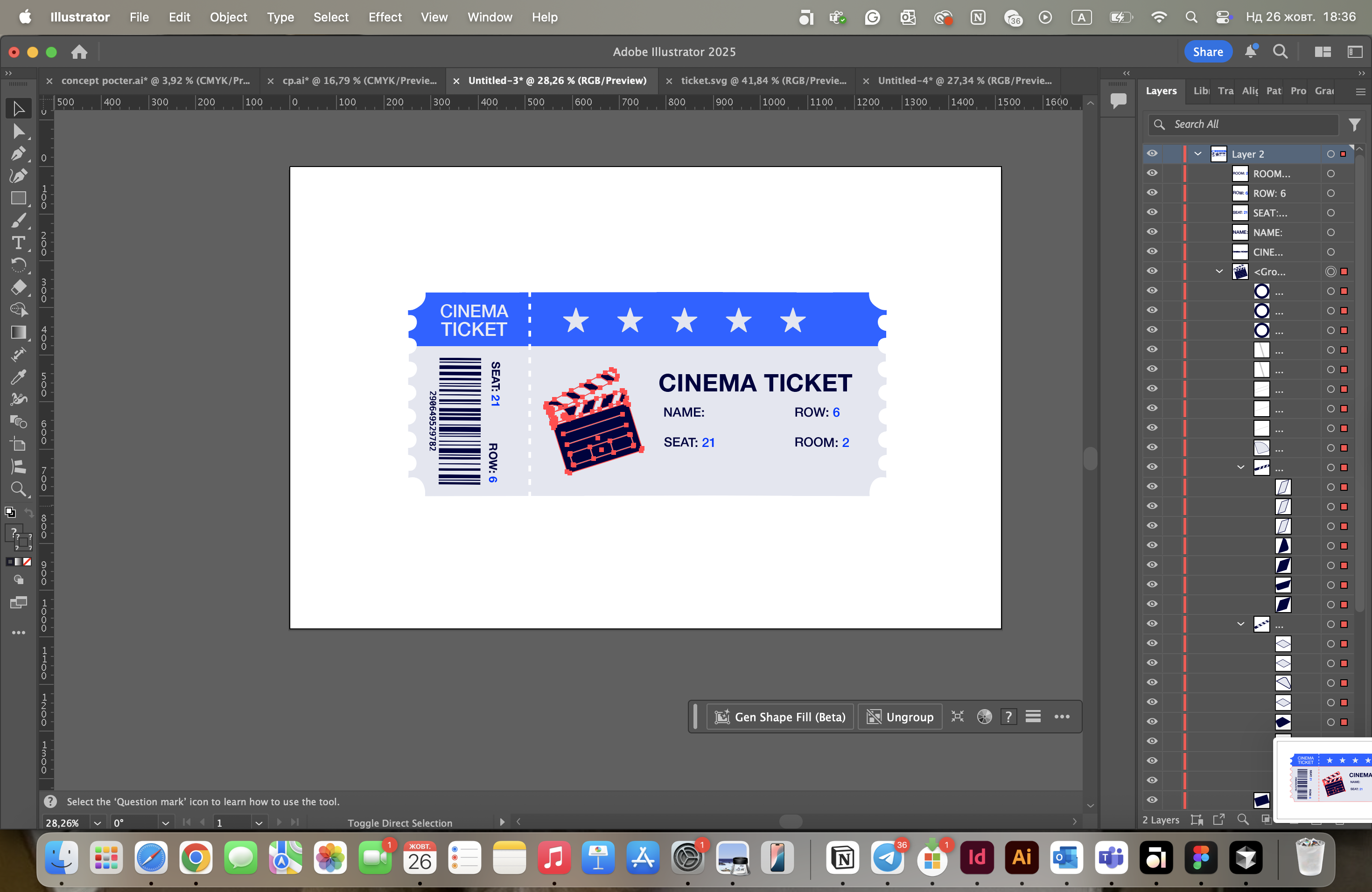
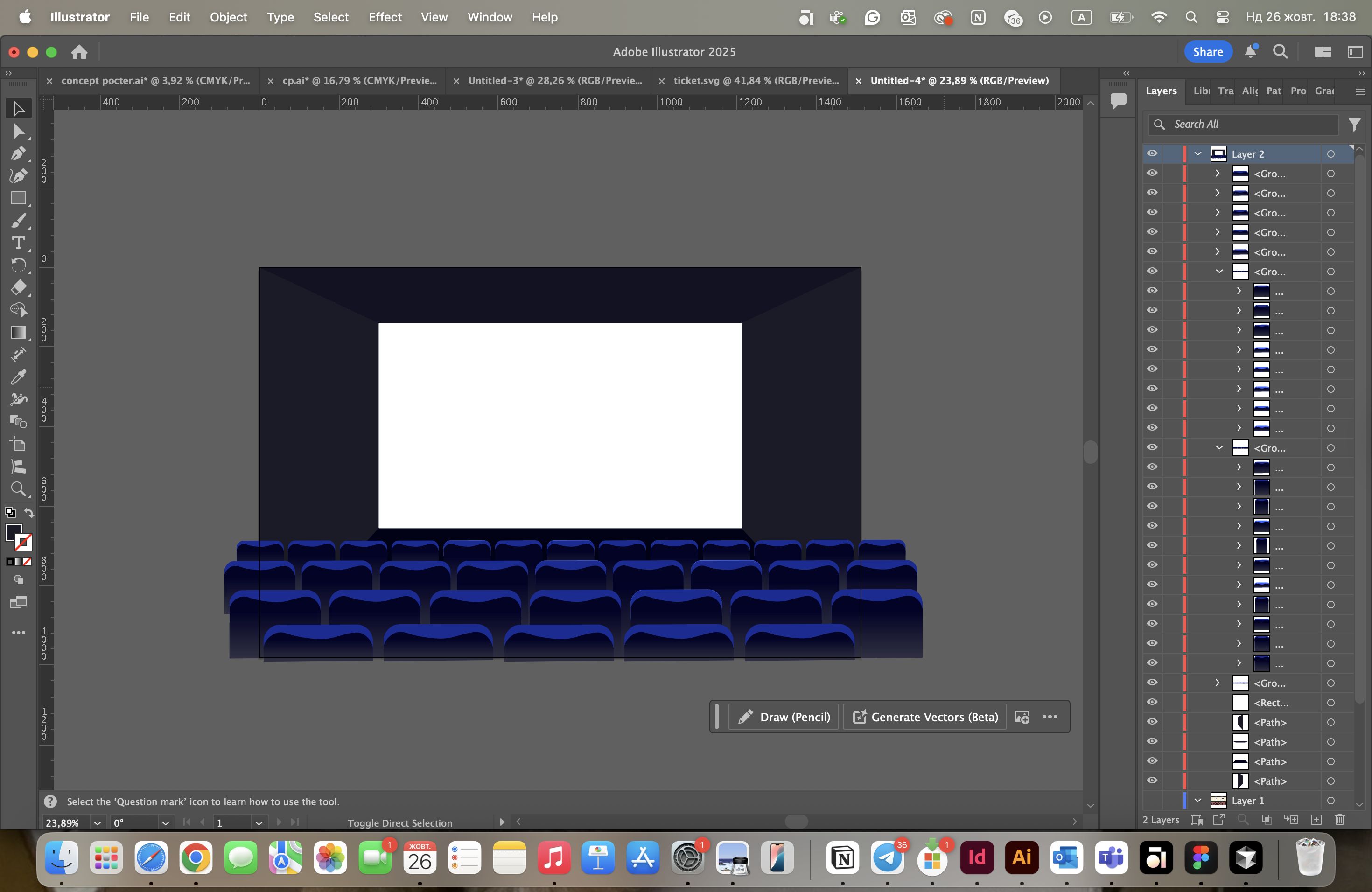
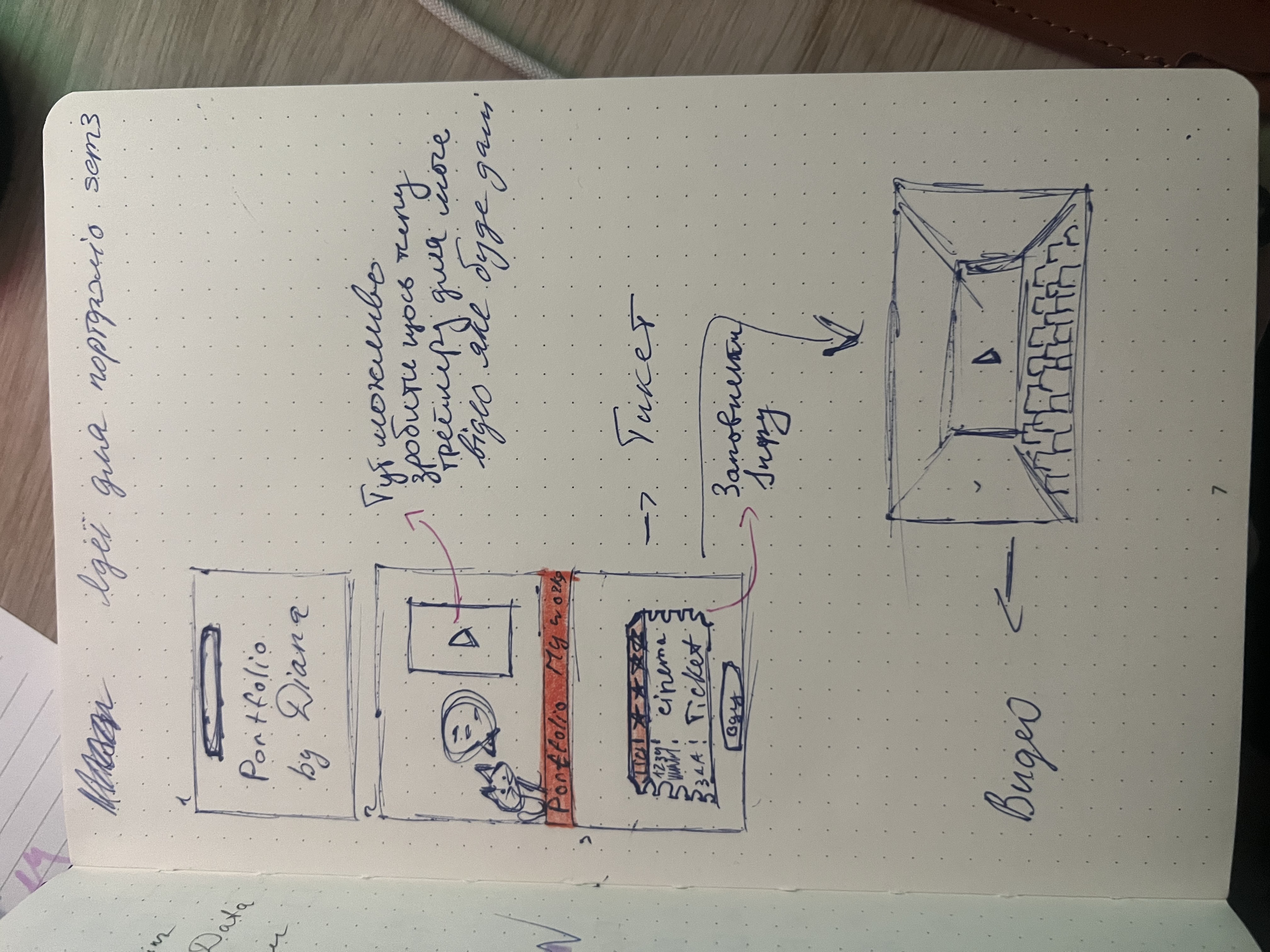
I developed a cinema-themed concept for my portfolio, focusing on how to present my video content in a creative and engaging way. I created illustrations of a ticket and a cinema room in Adobe Illustrator, then transferred them into my prototype in Figma, where I also added animation to the cinema room.
How did it go
The idea came together after exploring different ways to visually support my video work. Looking for inspiration helped shape a clear visual direction, and I enjoyed the process of illustrating again. Bringing those elements into Figma and adding motion gave the design more personality and made the theme stronger.
What did I learn
I learned how to build a narrative, not just a layout. The portfolio concept should guide users through content with a clear story and theme. Working between Illustrator and Figma helped me bridge creative illustration with interactive design, and I gained confidence in combining different tools to develop a unique, cohesive portfolio experience.
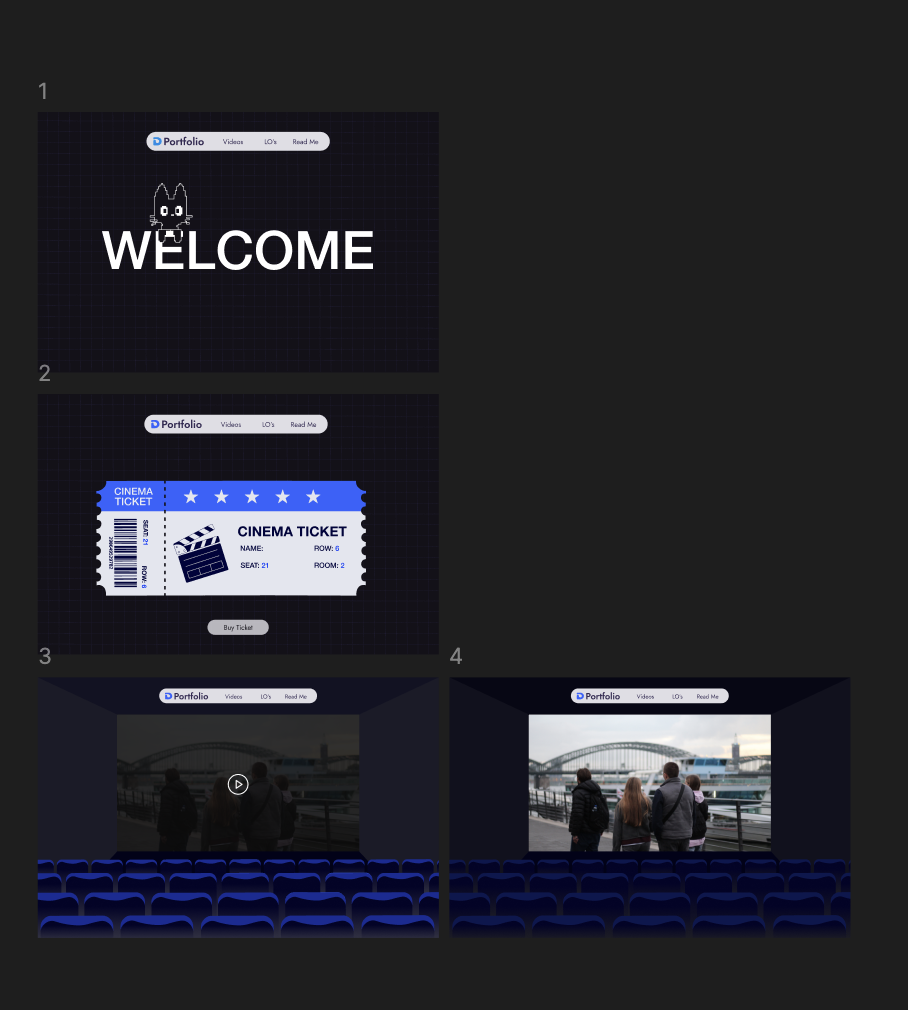
link for Figma(https://www.figma.com/design/dvcwyAzNwXcgI2pvZvlyKd/Portfolio-sem3?node-id=23-1182&t=lpMffd96Z6ecslM6-1 )
Retrospective
Next time, I’d explore testing different visual themes earlier. That way, I could compare more directions before committing. Also, I am planning to do more animations to make my design more interactive.
Moodboard + Idea for my video
What did I do
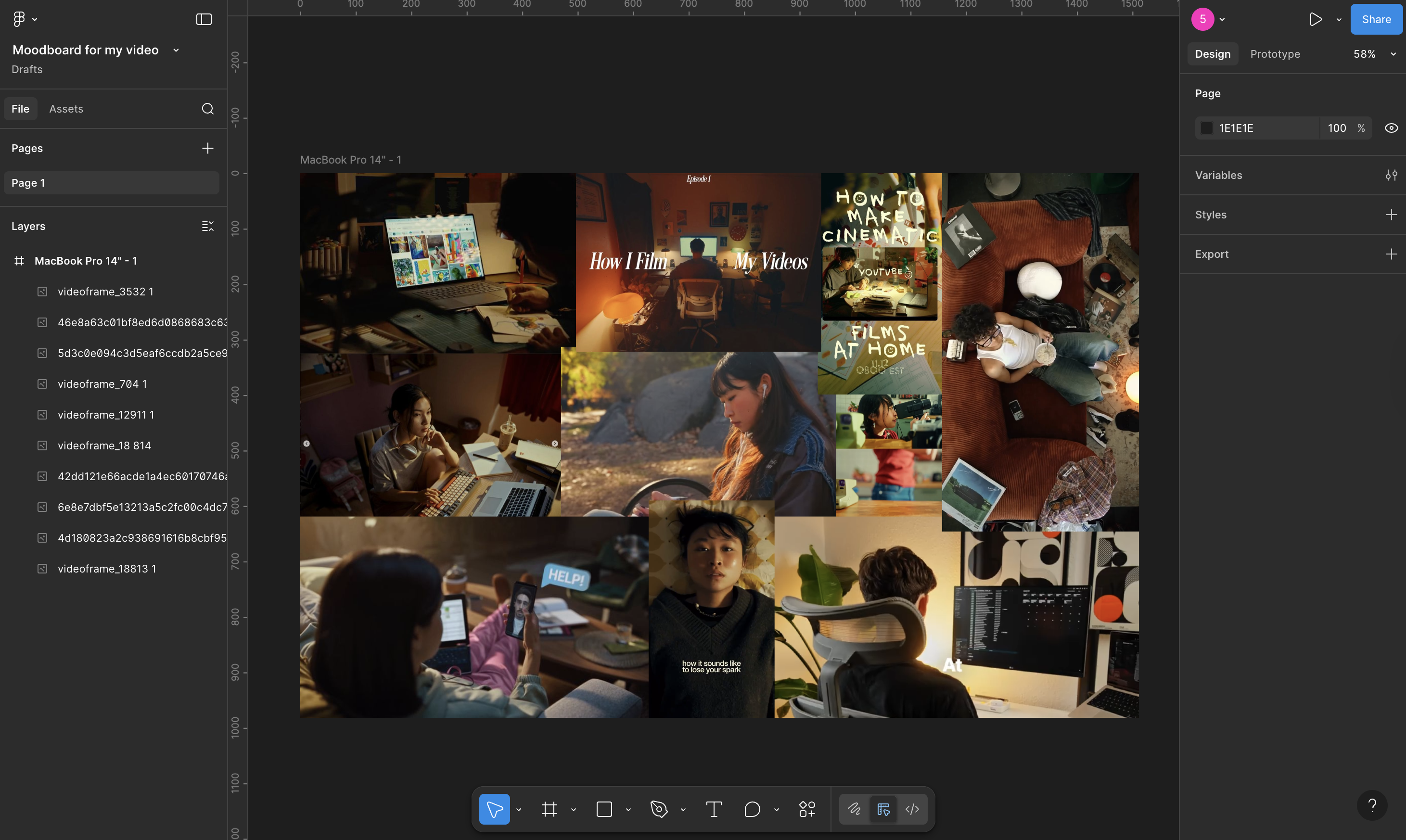
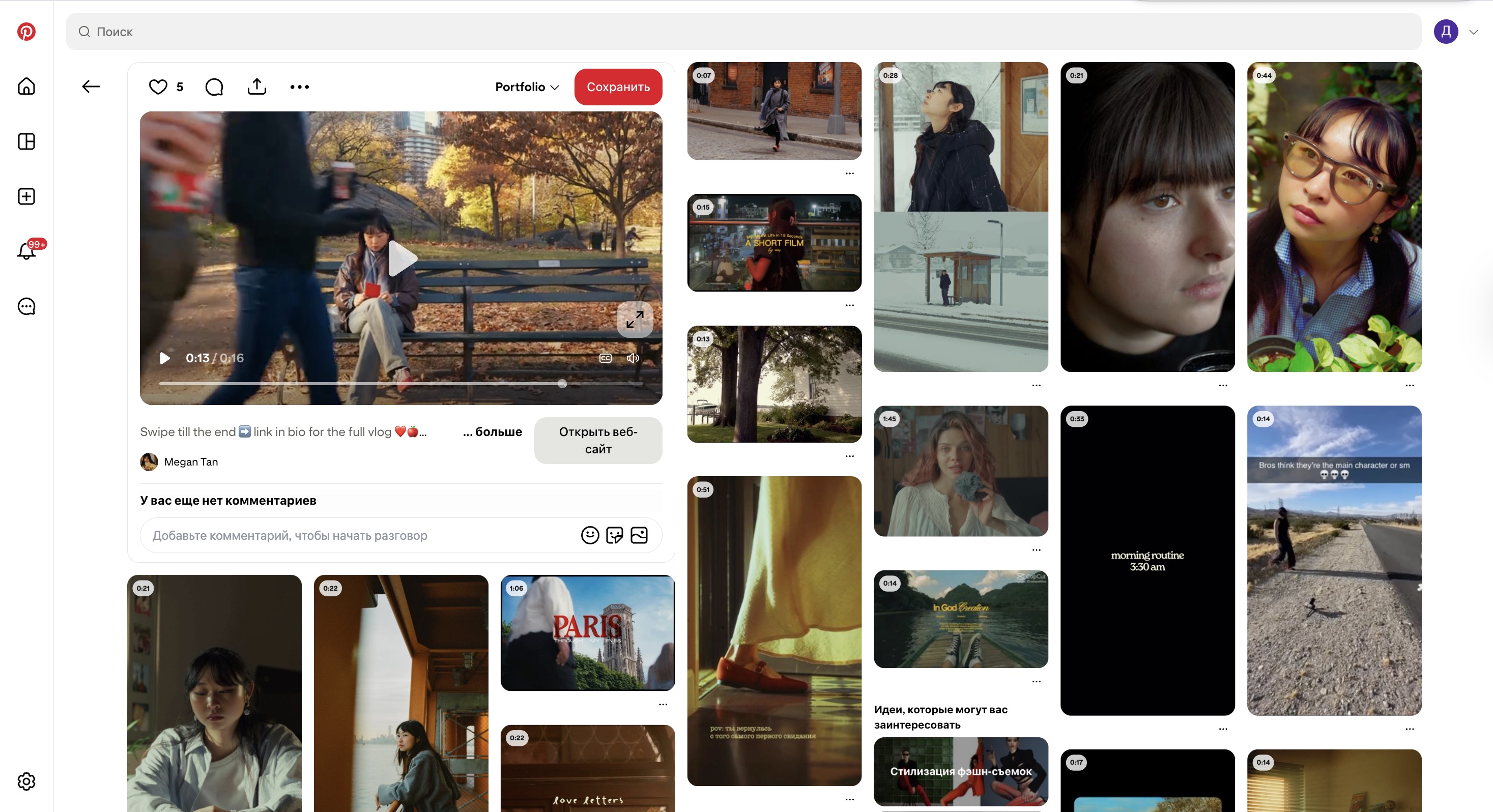
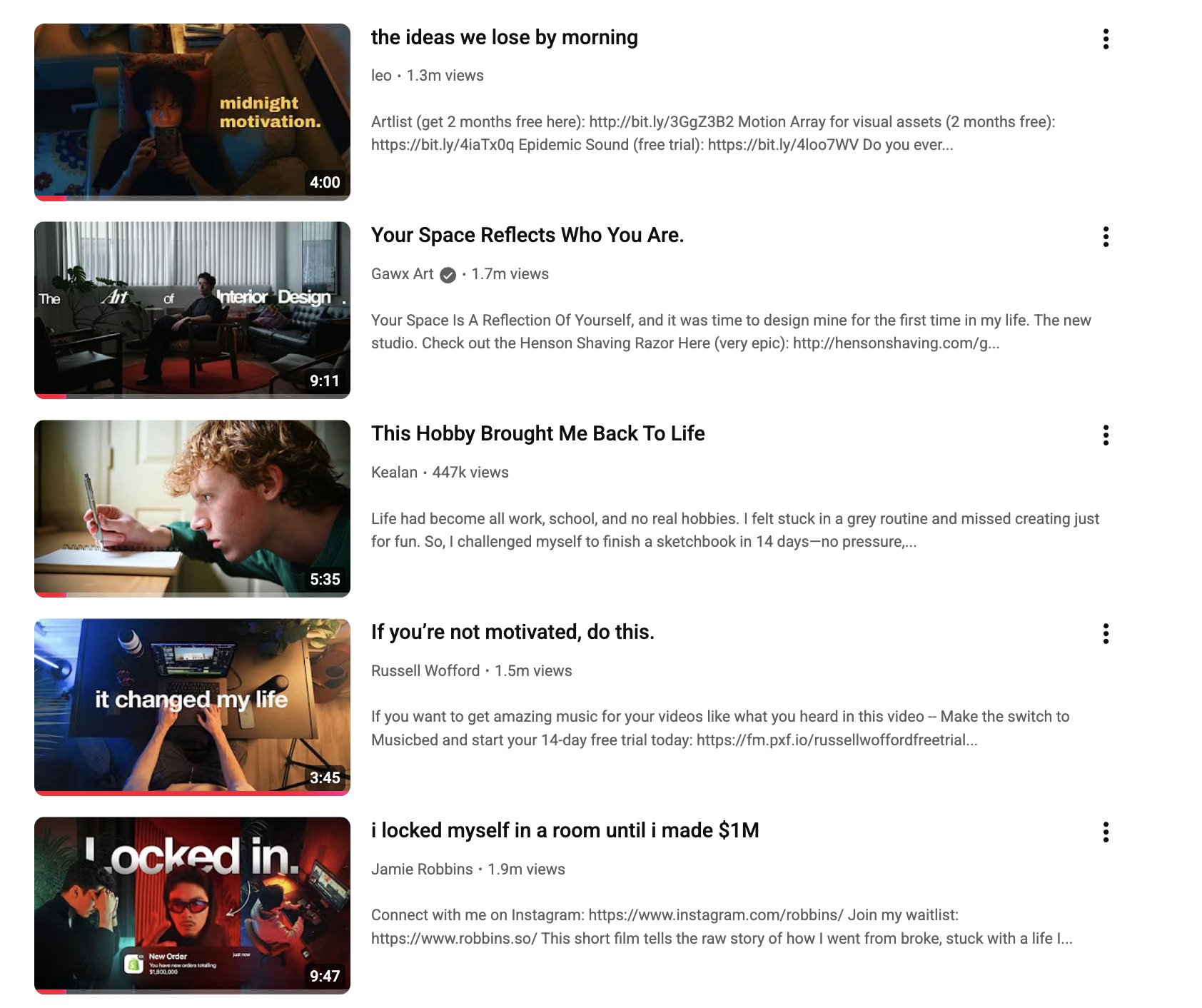
I made a moodboard in Figma to figure out the vibe, colors, and style for a personal video I want to add to my portfolio. I pulled inspiration from Pinterest, YouTube, and Instagram, focusing on a cozy, nighttime atmosphere. That helped me decide to make a calm, homey mood video filmed at night while working.
How did it go
Putting the moodboard together really helped me turn my ideas into something more concrete. It took a bit of time to land on the exact style I wanted, but diving deep into references helped me stay consistent. The whole process gave me a clearer creative direction from the start.

What did I learn
I learned how useful it is to organize visual ideas early on to shape the final concept. It made a big difference seeing how colors, lighting, and tone all work together to build a feeling. It also showed me how tools like Figma can support creative planning in a professional way.
Retrospective
Next time, I’d try grouping my references more clearly—maybe by lighting, framing, or color—so it’s easier to plan my shots later. That would make the jump from concept to filming a lot smoother.
Creation of Concept Poster
What did I do
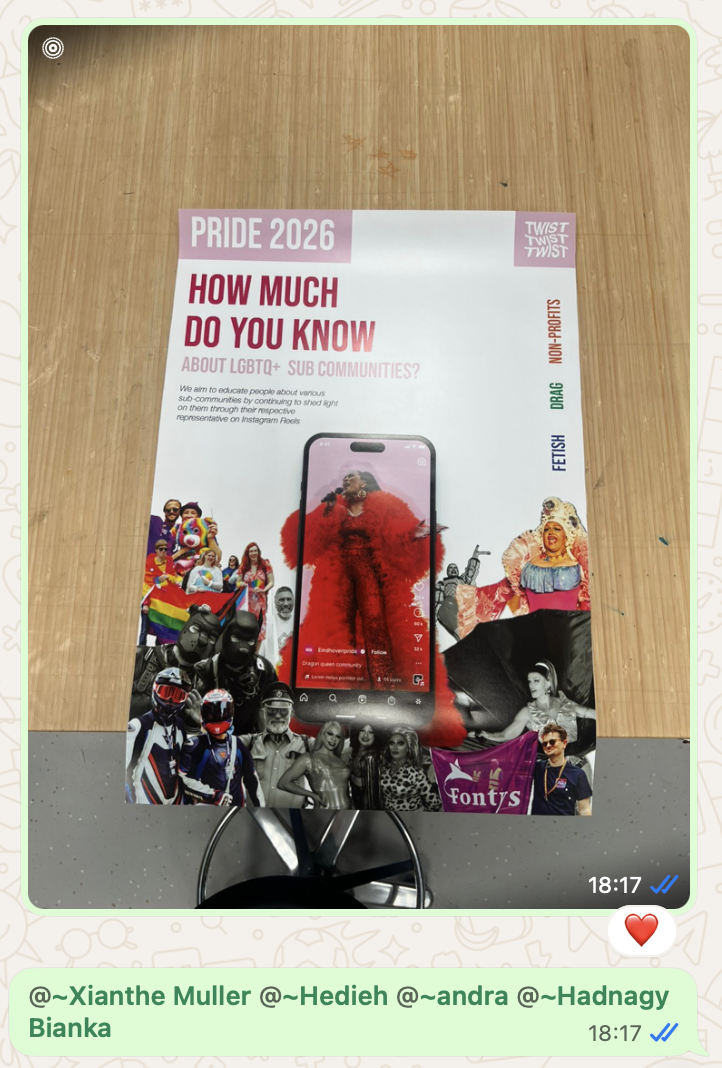
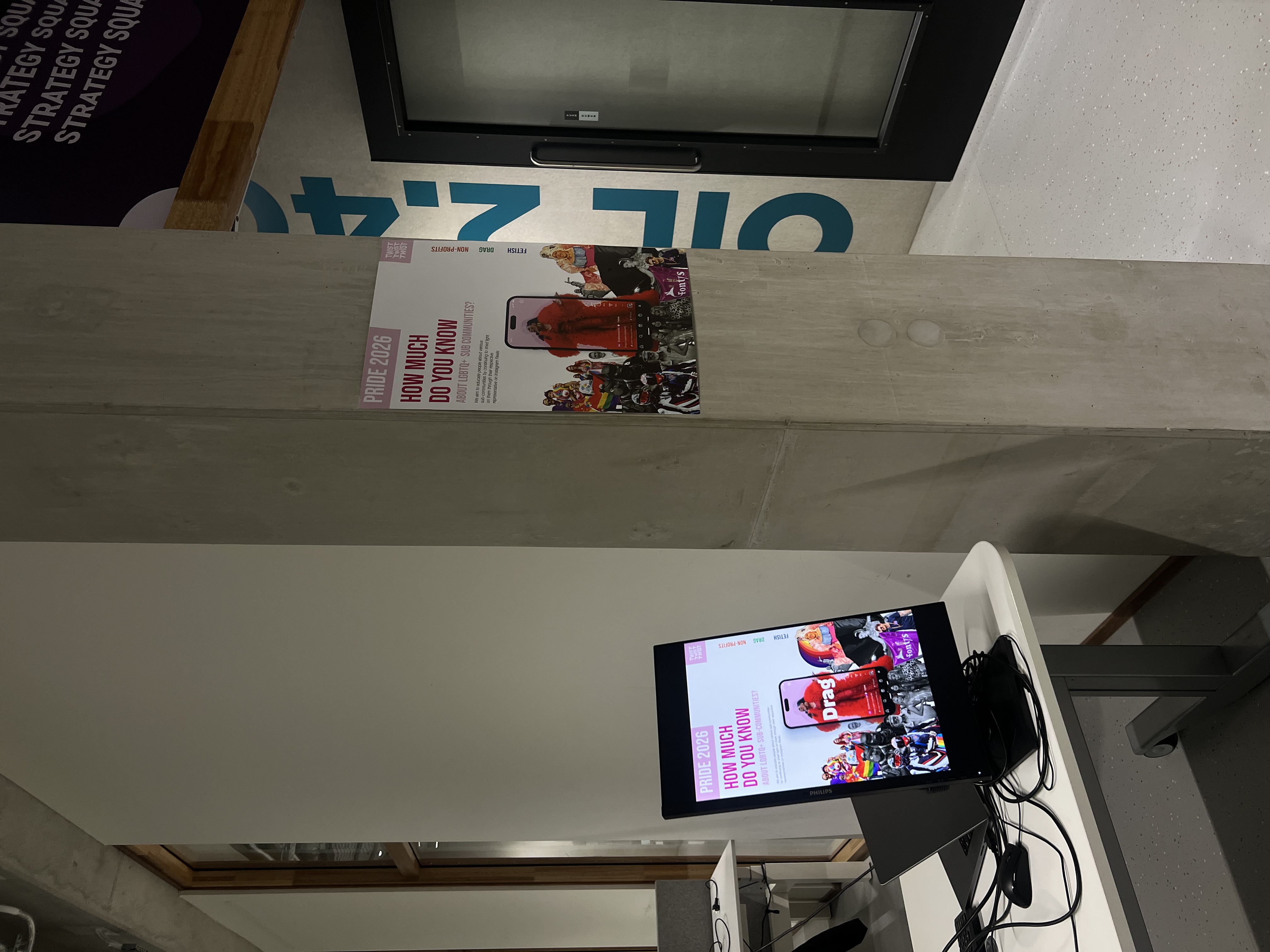
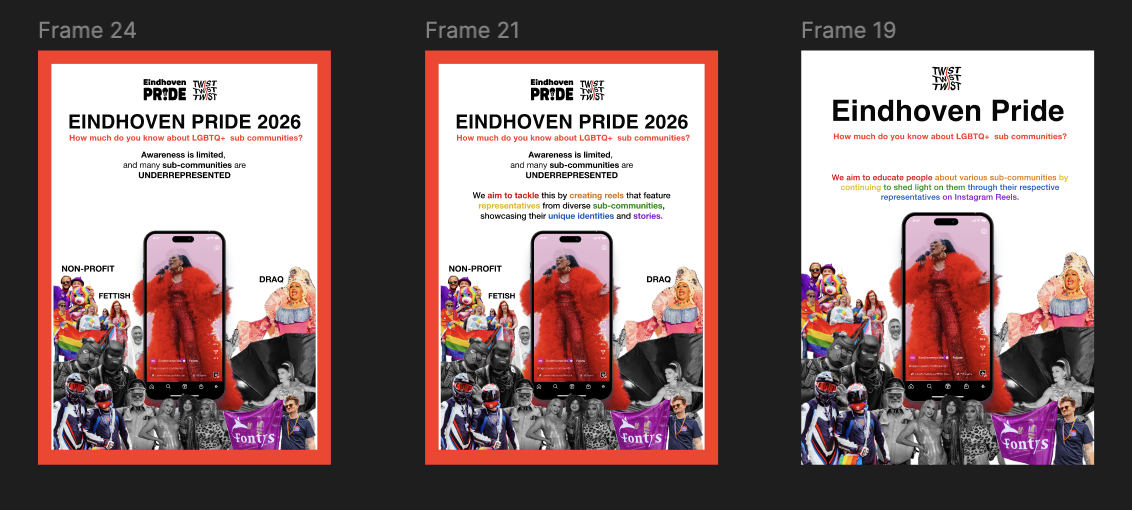
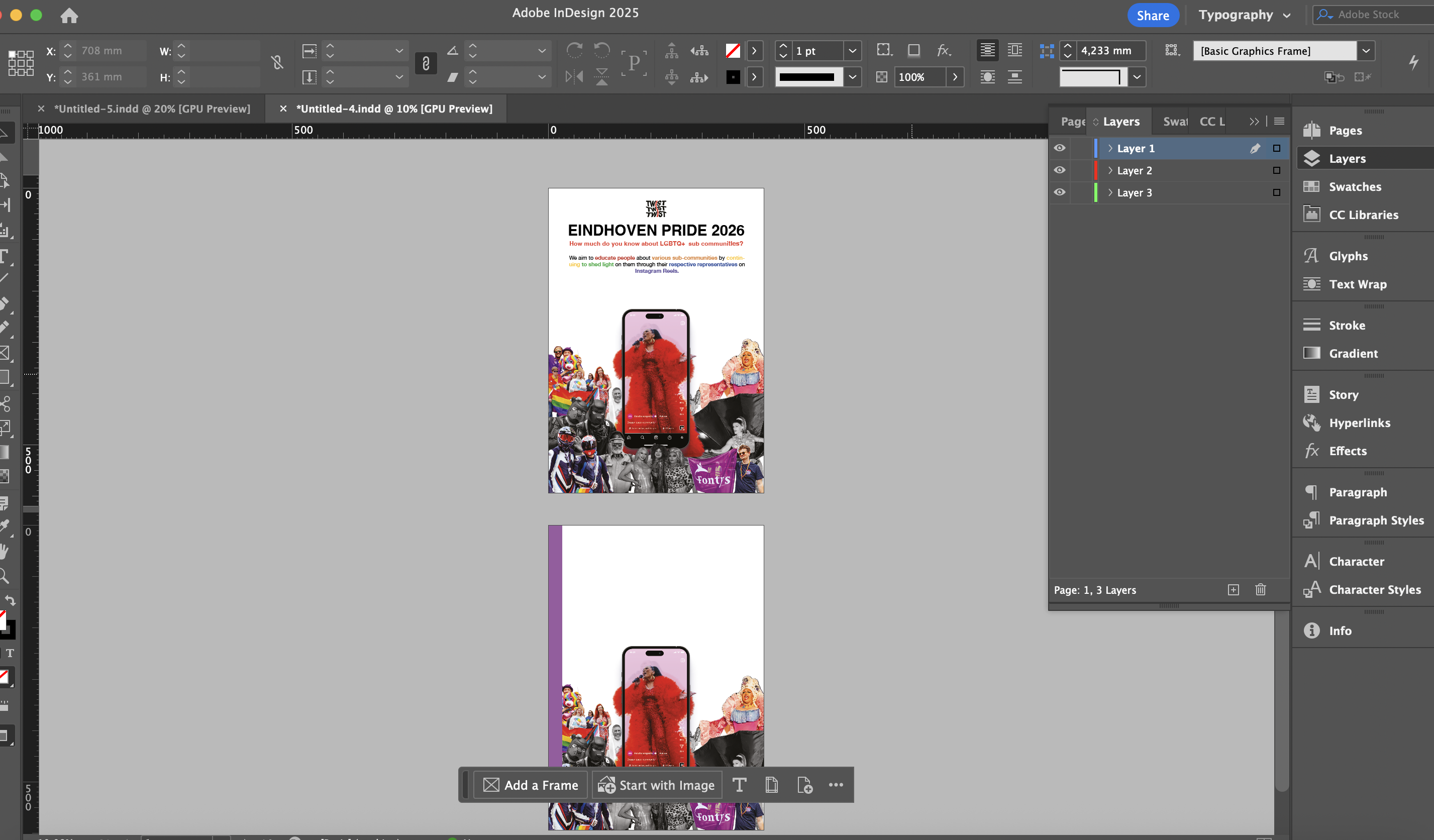
I collaborated with my group to create multiple concept poster drafts in Figma, since I was the only one with access to Adobe InDesign. After receiving feedback, I refined the design and transferred the final concept into InDesign, learning how to apply professional layout tools. I finalised and printed the poster at the Maker Space.
How did it go
This process helped me apply user-centered and visual design principles by combining group input and teacher feedback. InDesign felt unfamiliar at first, but earlier lectures gave me enough foundation to work through it. The critique that our poster resembled a Word document pushed us to research professional Pride posters and improve our layout accordingly.
What did I learn
I learned how to turn a group idea into a professional-looking poster using InDesign. Even though the program was tricky at first, I got more confident by trying things out and using what I remembered from class. I also saw how helpful feedback is for improving a design.

Retrospective
Next time, I would start using InDesign earlier, so I have more time to explore its tools. I’d also suggest making a clear visual style guide as a team, so everyone’s work fits together better from the start.
Filming Non-Profit organisation
What did I do
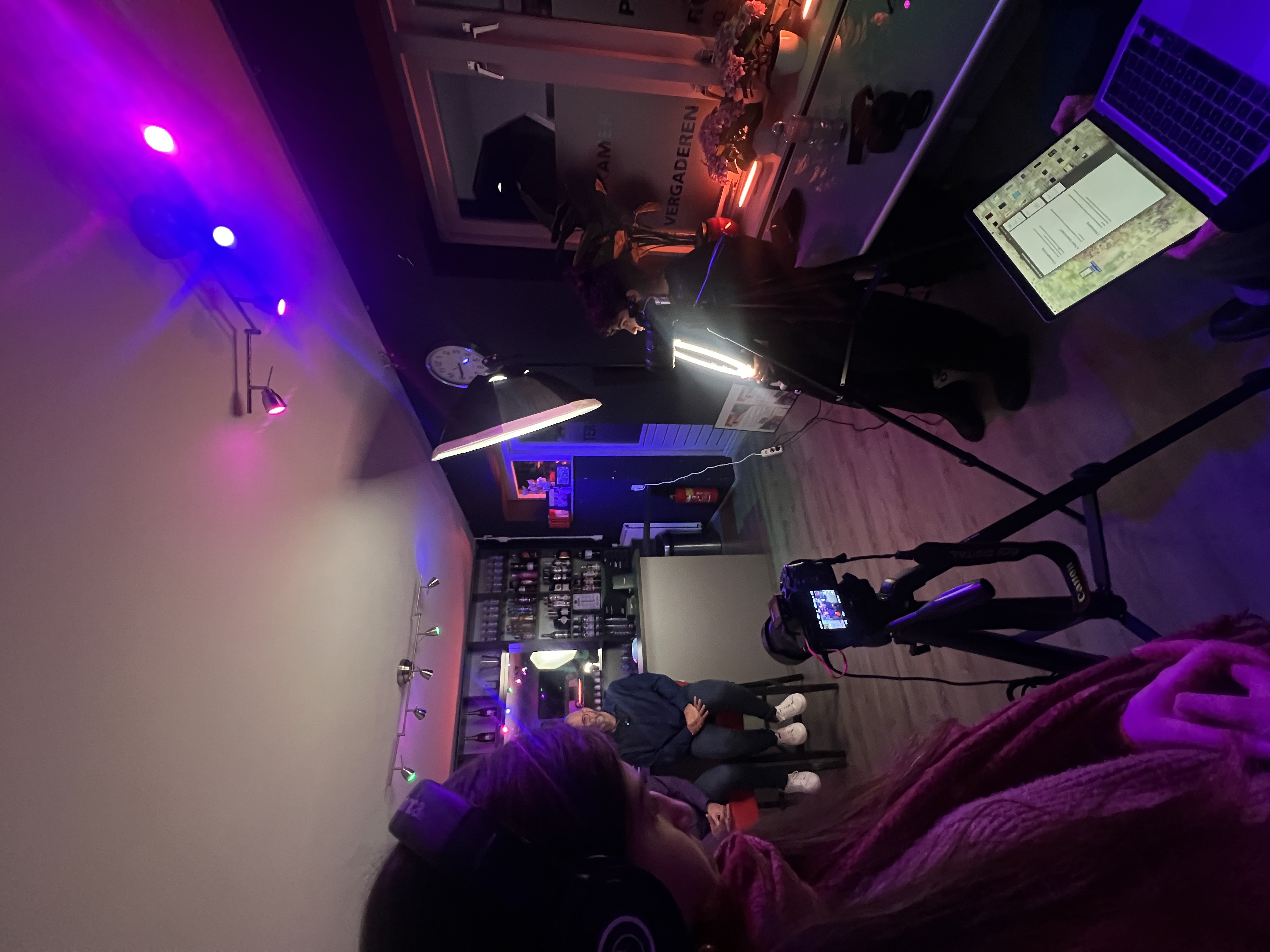
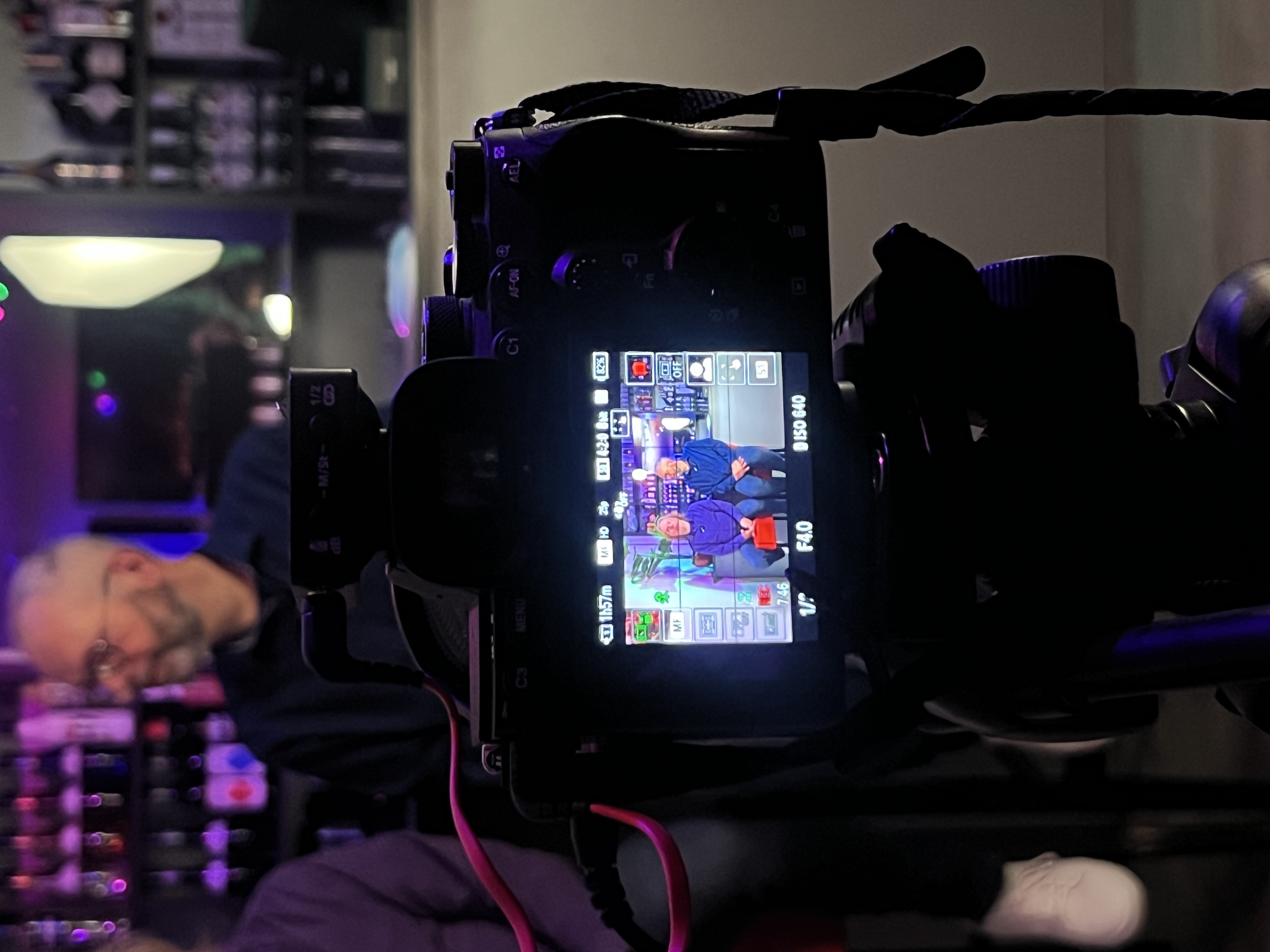
My group and I planned and executed a video shoot with a non-profit organization. To prepare, I watched tutorials on lighting, camera setup, and microphone use. We rented professional gear from ISSD, including cameras, lights, and audio equipment. On location, we set up for the interview and captured B-roll during the performance.
How did it go
The setup went smoothly after some testing, and filming in a bar made the shoot more challenging due to lighting and space. I focused on getting strong camera angles and steady shots, even though holding the heavy gear for long periods was tough. (mostly I was using Sony A7S Mark III )We adapted well and got useful material.
What did I learn
I learned that it is so important to prepare technically to stay creative, knowing equipment and setup beforehand allows focus on storytelling during filming. Working in a live environment improved my ability to adjust quickly, and I gained experience in capturing both A-roll and B-roll for real clients.
Retrospective
Next time, I’d use a shoulder rig or stabilizer to manage heavy gear, especially in tight spaces. Overall, it was a great learning experience that helped me grow as a media creator. And of course our next step is to edit these videos as a reel.
Animated logo + Transitions
What did I do
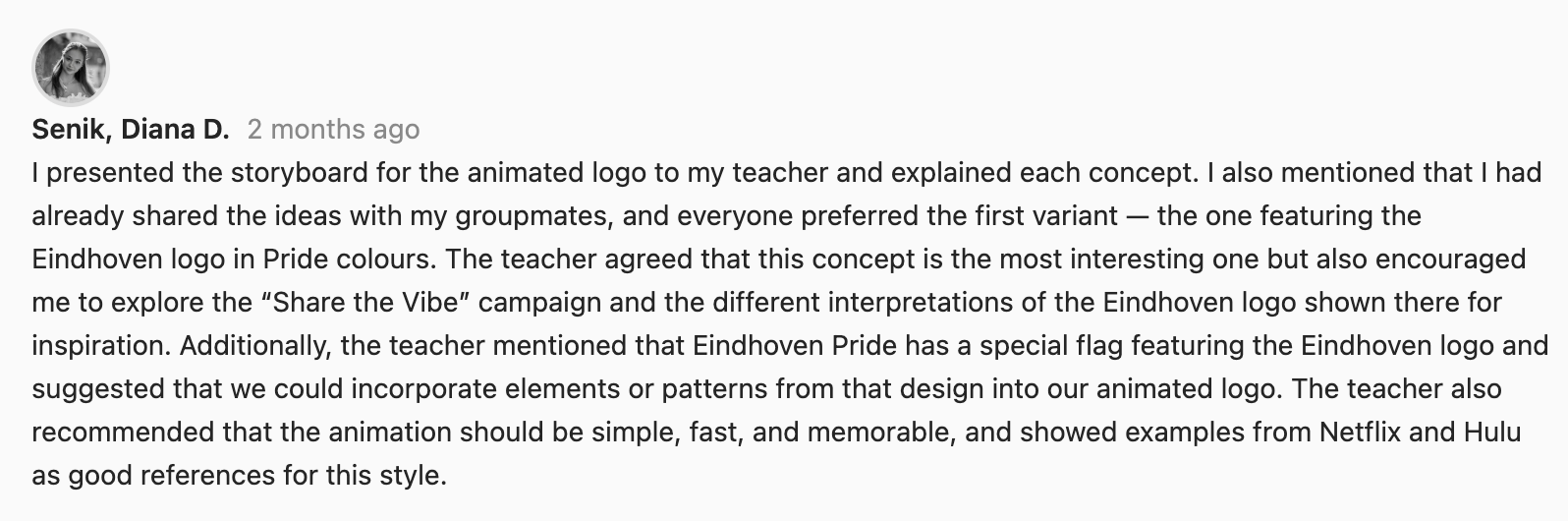
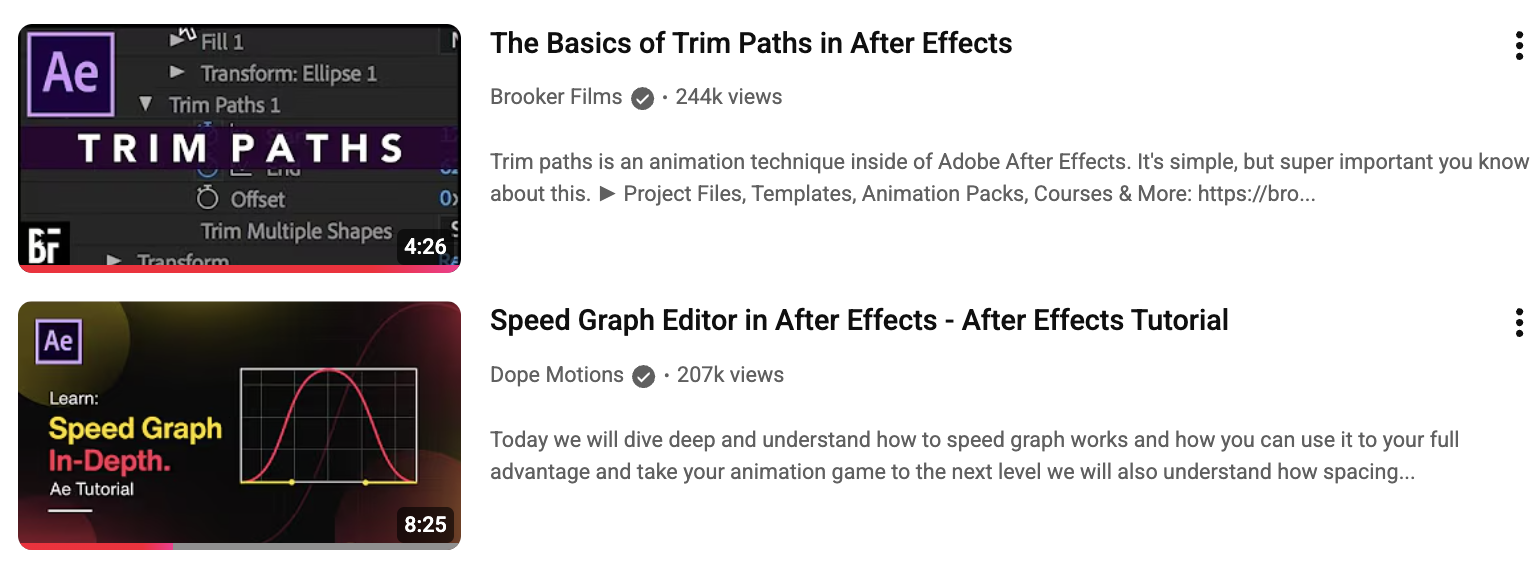
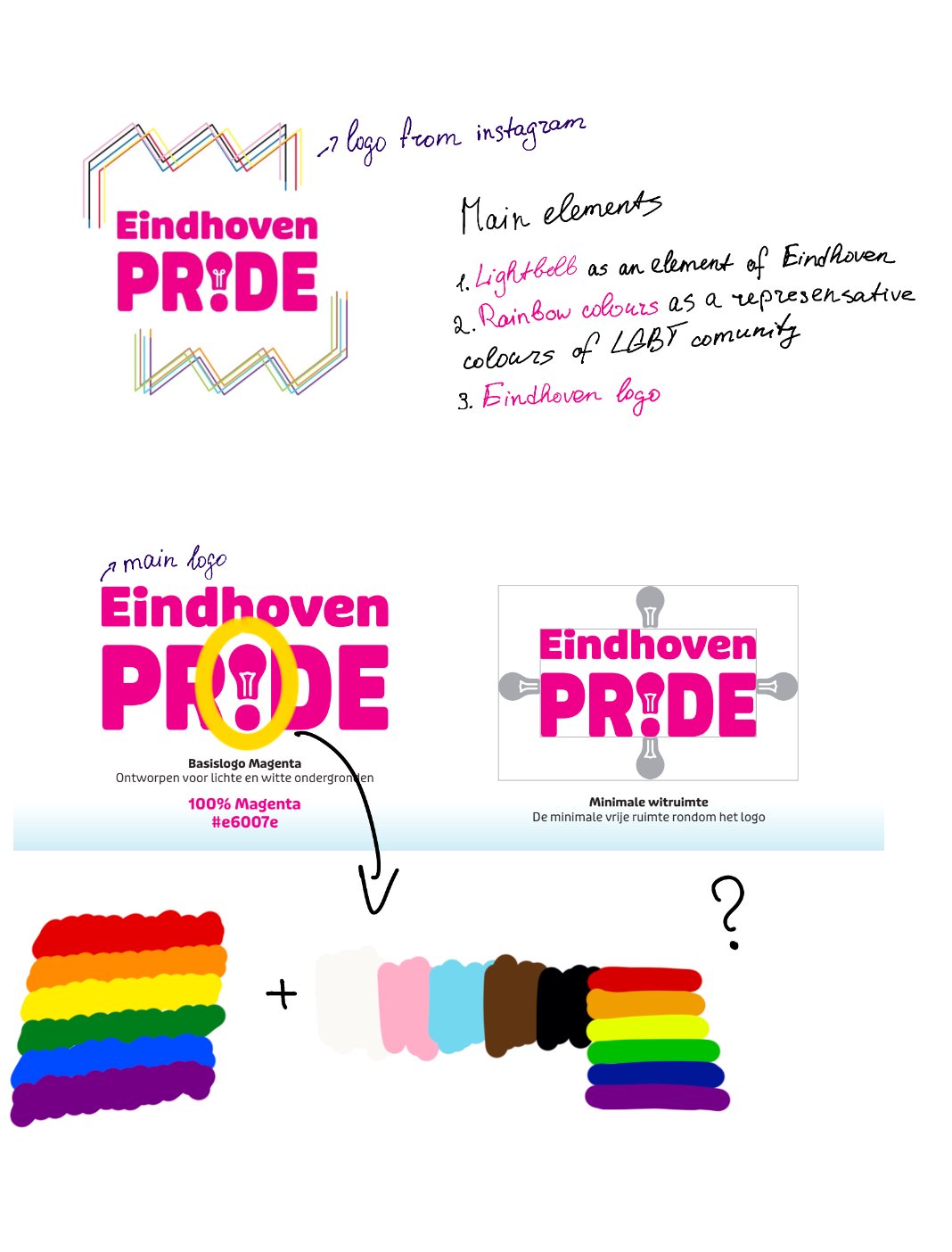
I made an animated logo and some short transitions for Instagram reels using After Effects. I started with a storyboard and changed it based on feedback. To improve the logo, I looked at well-known animated logos for ideas. For the transitions, I used symbols from Eindhoven and got inspired by Utrecht Pride reels.
How did it go
I used design principles such as simplicity, contrast, and rhythm to make the logo clear and interesting. The feedback helped me avoid making it too complex. Adding Eindhoven symbols made the transitions more meaningful and personal, which helped them stand out.

What did I learn
I learned how to make strong design choices by focusing on what the viewer needs. I saw how important it is to keep the design simple but creative. Looking at popular trends helped me understand what works in animated logos and how movement can support a brand’s message.
Retrospective
If I do this again, I would try more animation ideas during the first steps to find the best one sooner. I would also ask for user feedback earlier in the process. That way, I can make sure my design choices really connect with the audience before the final version.
Filming Drag and Fetish organisations
What did I do
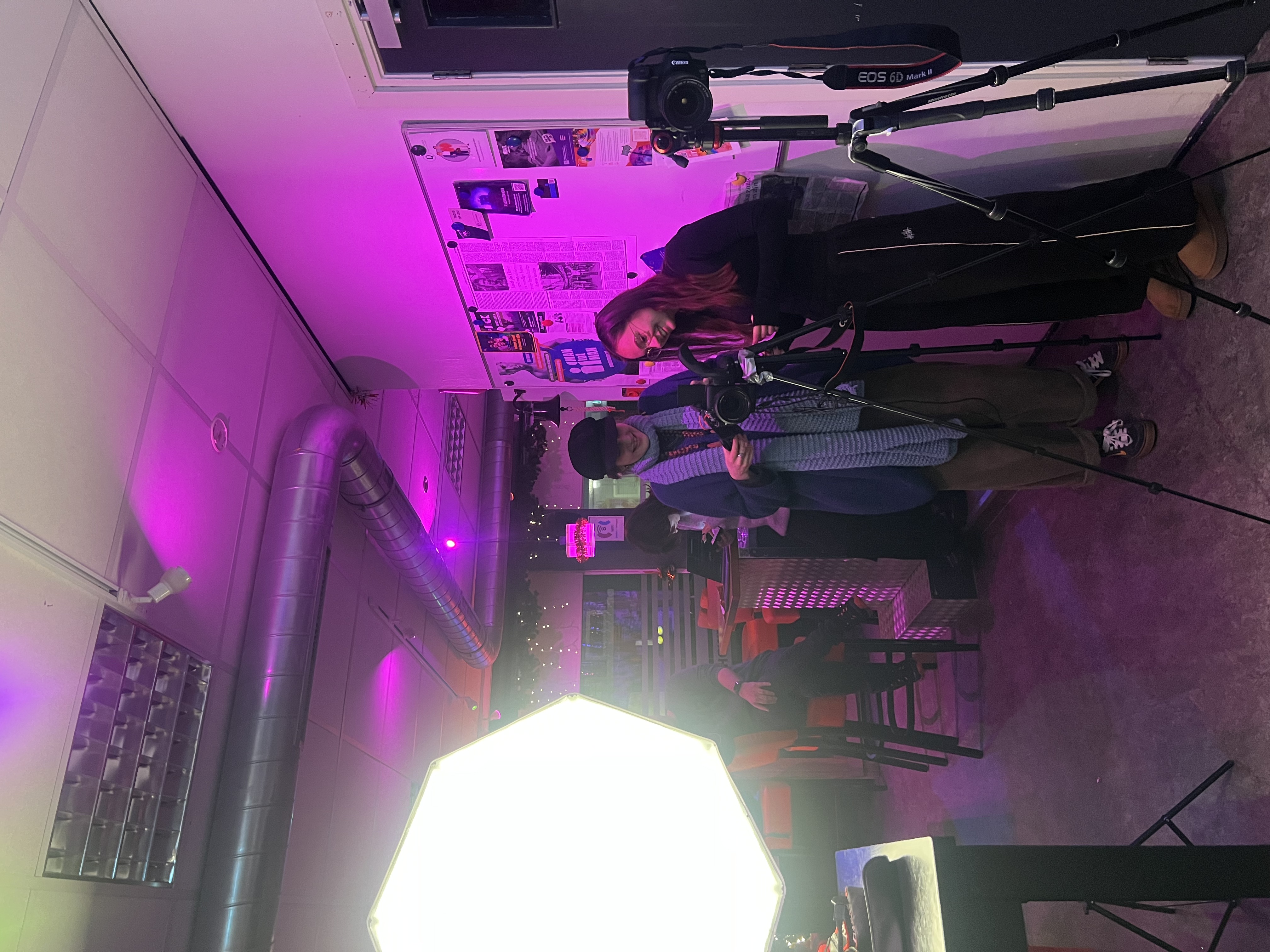
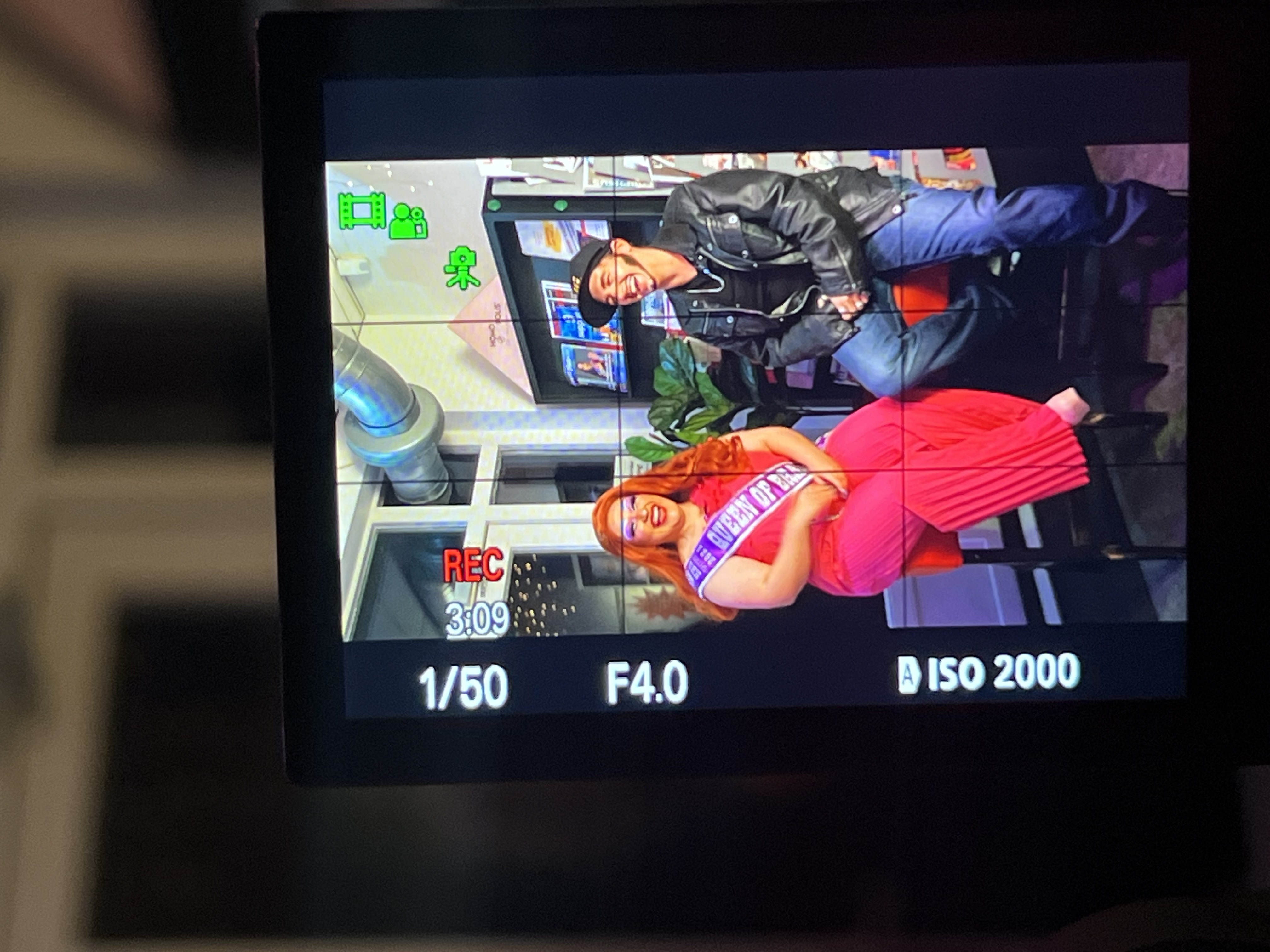
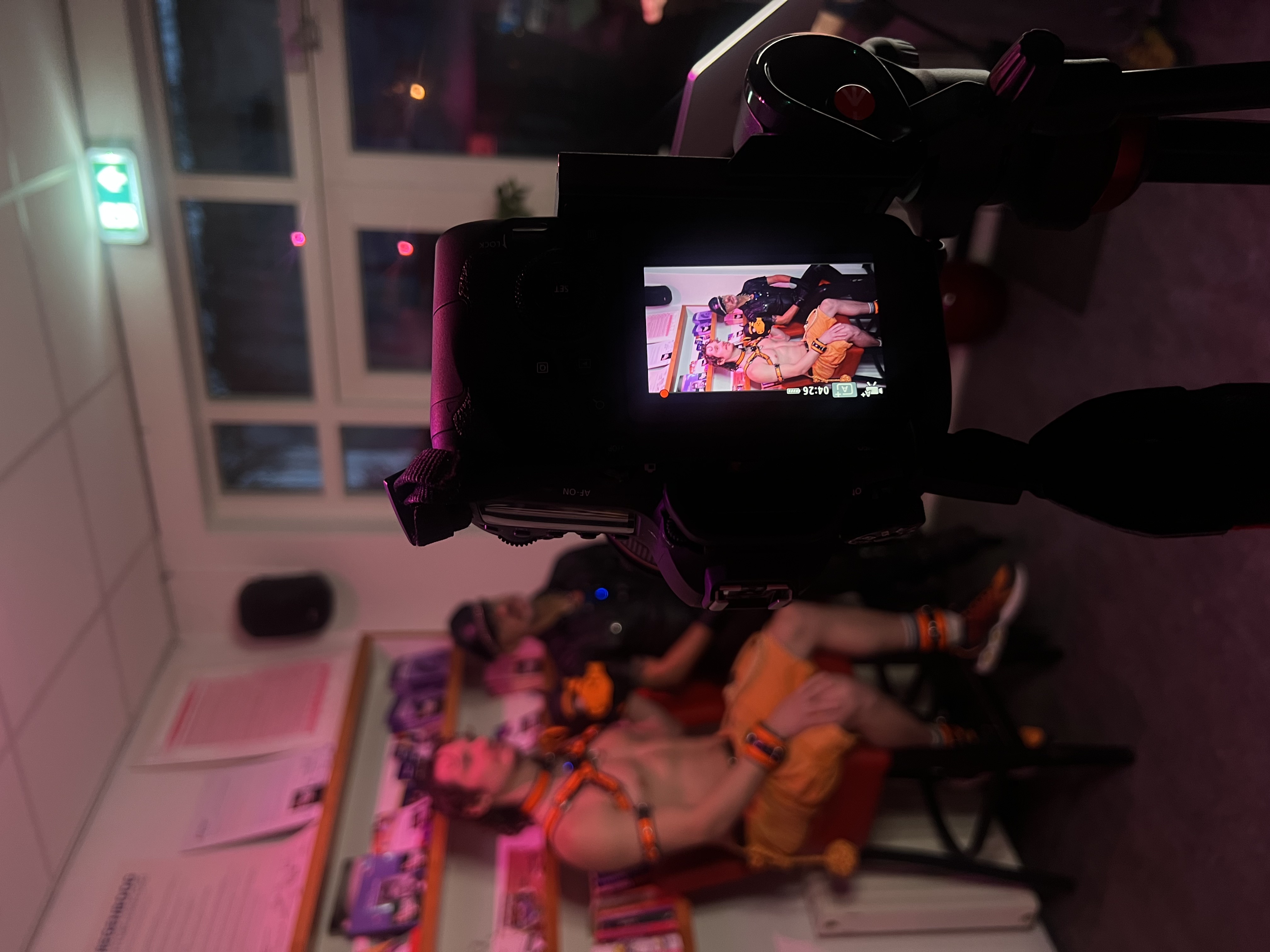
I worked with my group on filming an interview about the Drag and Fetish community. We prepared better than last time by bringing more equipment, including two vertical tripods, extra cameras, and lights. Before filming, we tested everything in class. We also used a clear shot list, which helped the process run smoothly.
How did it go
This time the filming went well because we applied the rules of preparation, composition, and lighting. Using a proper setup and planning in advance allowed us to avoid previous mistakes. Although filming with the Drag performers took longer due to their preparations, we stayed on schedule and captured everything we needed.
What did I learn
I learned how much good preparation and clear planning improve the filming process. Following the shot list and testing the gear helped us focus more on storytelling and framing. I also saw how important it is to stay flexible and patient during a shoot, especially when working with performers.
Retrospective
If I do a similar shoot again, I would plan more time for performers to get ready and arrive earlier to test lighting on location. This would help us avoid delays and adjust faster to the space. I’d also like to try more creative camera angles to improve the visual storytelling.
Filming and editing my video
What did I do
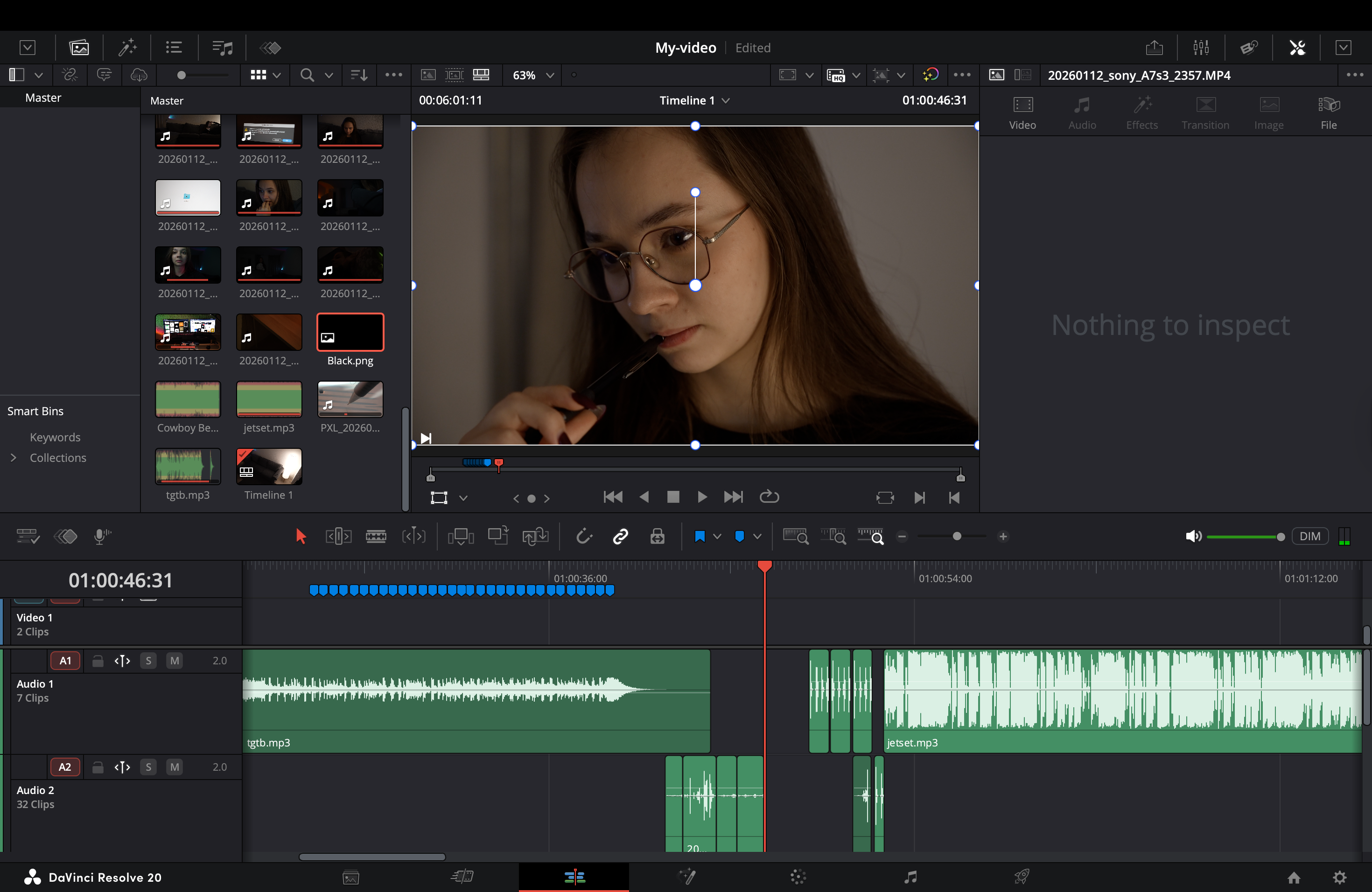
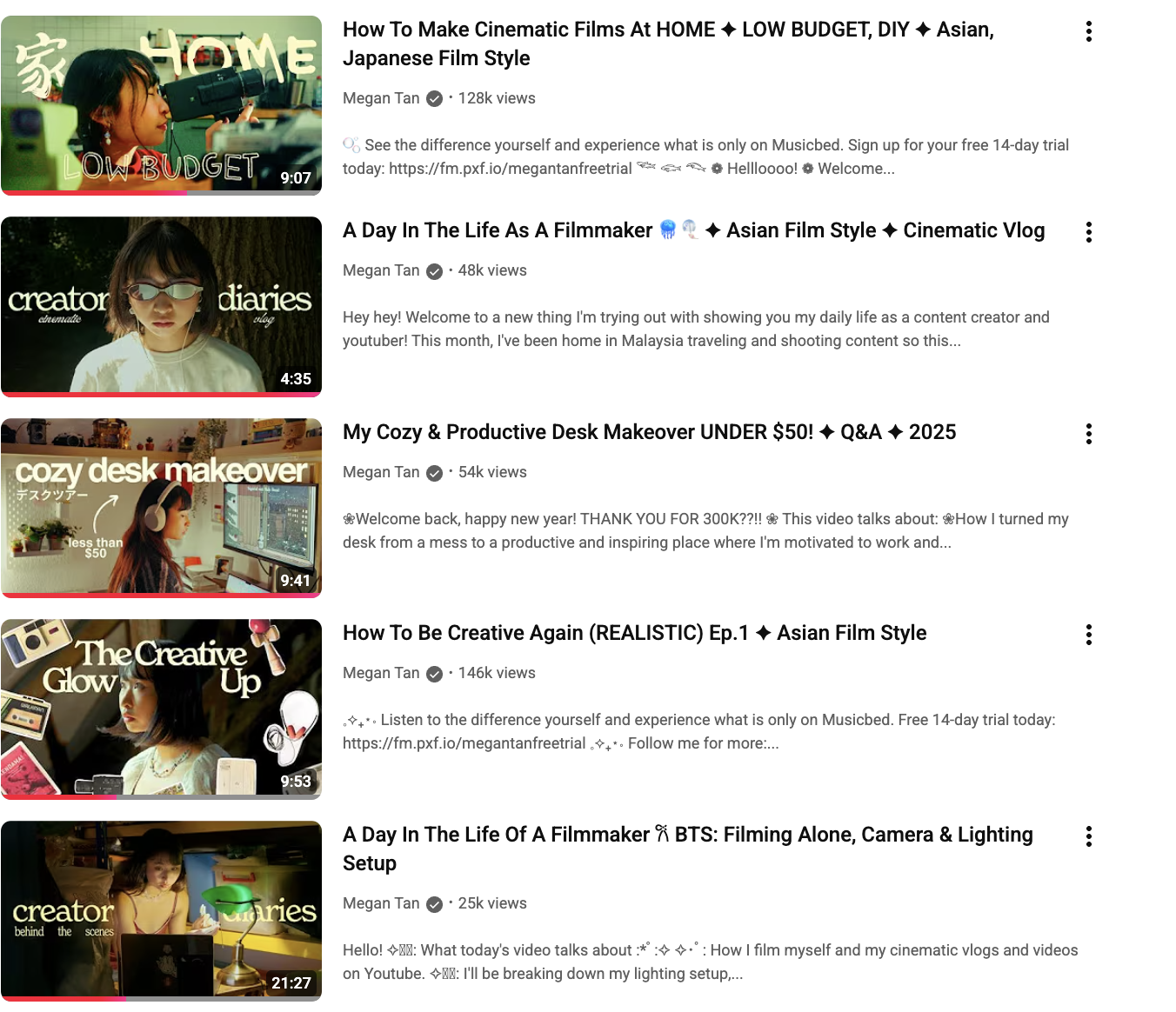
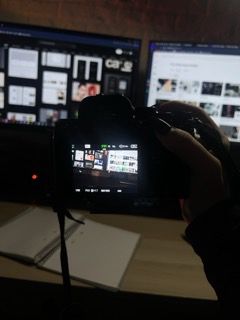
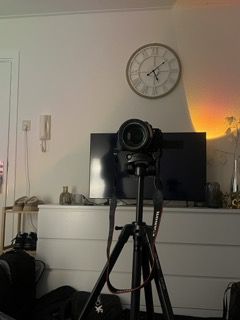
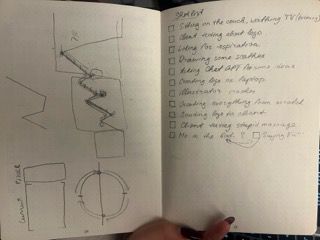
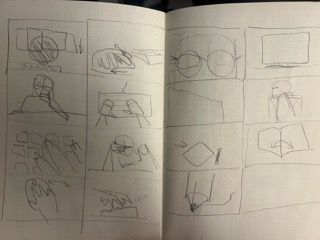
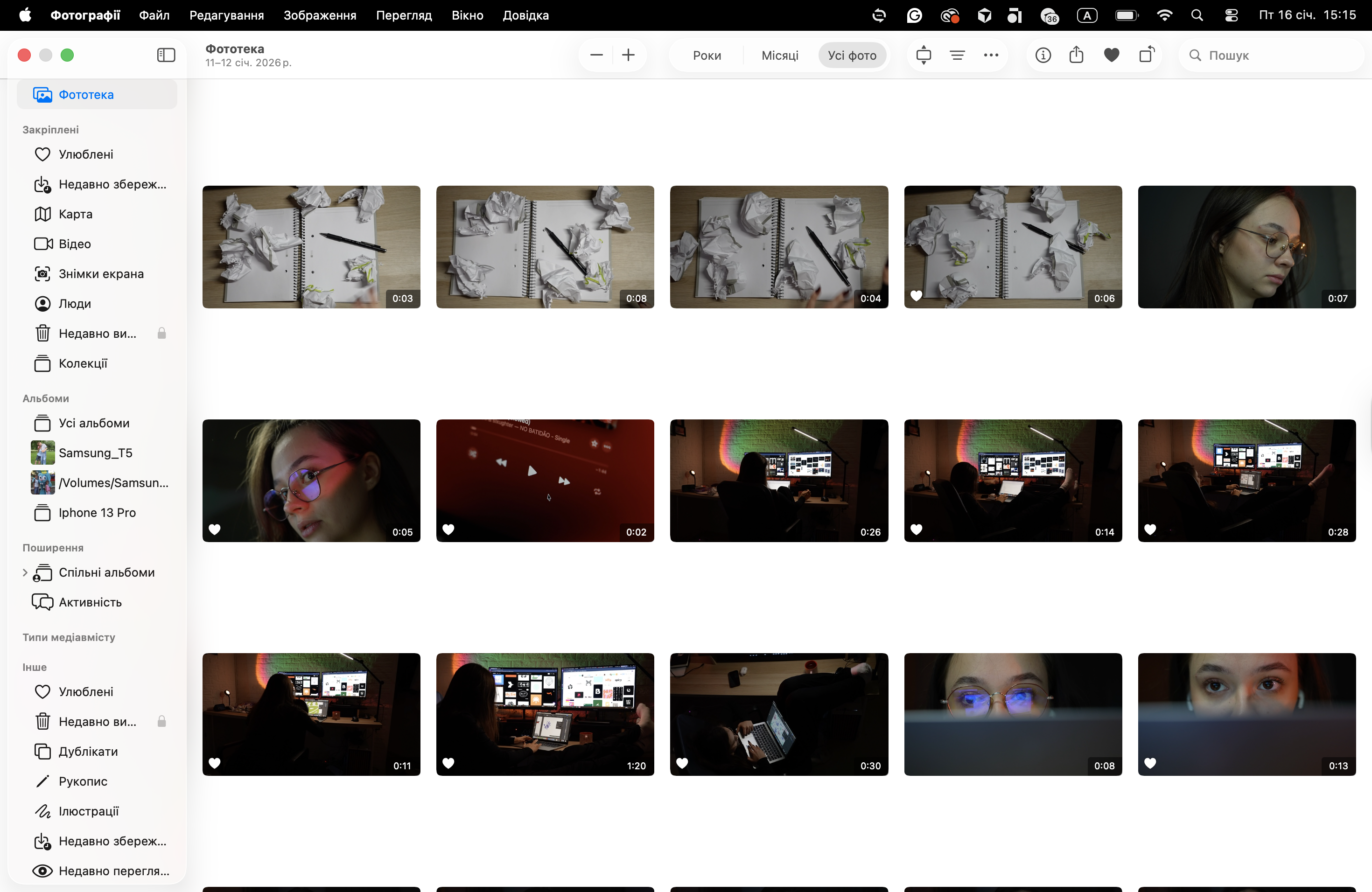
For my main personal task, I filmed and edited(using Davinci Resolve)a “short film” for my portfolio. My first idea was to create a video explaining learning outcomes, but I felt that concept wasn’t exciting enough. After watching creators like Megan Tan and Kealan on YouTube, I switched direction. I came up with a concept of making video about Creative process of making logo at night. I created a storyboard and began filming, including both planned and spontaneous shots. (The result you can see on the homepage)
How did it go
The process went really well and felt creative from the start. I focused on visual storytelling, mood, and rhythm to make the video engaging. Choosing the right music was the hardest part—it had to match the emotion I wanted to show. Once I found it, syncing the visuals to the beat became my favorite part of the project.
What did I learn
I learned how sound, timing, and shot composition work together to build atmosphere in a video. I also saw the value of being flexible during filming, as some of my best shots weren’t in the original plan. Editing the music and adding sound effects helped me improve the overall flow and emotional tone.
Retrospective
If I were to do this again, I’d spend more time finding music earlier in the process, so I could film more intentionally with that rhythm in mind. I’d also like to improve my use of color grading and transitions to strengthen the emotional impact and visual consistency of the video.
Editing Drag reel
What did I do
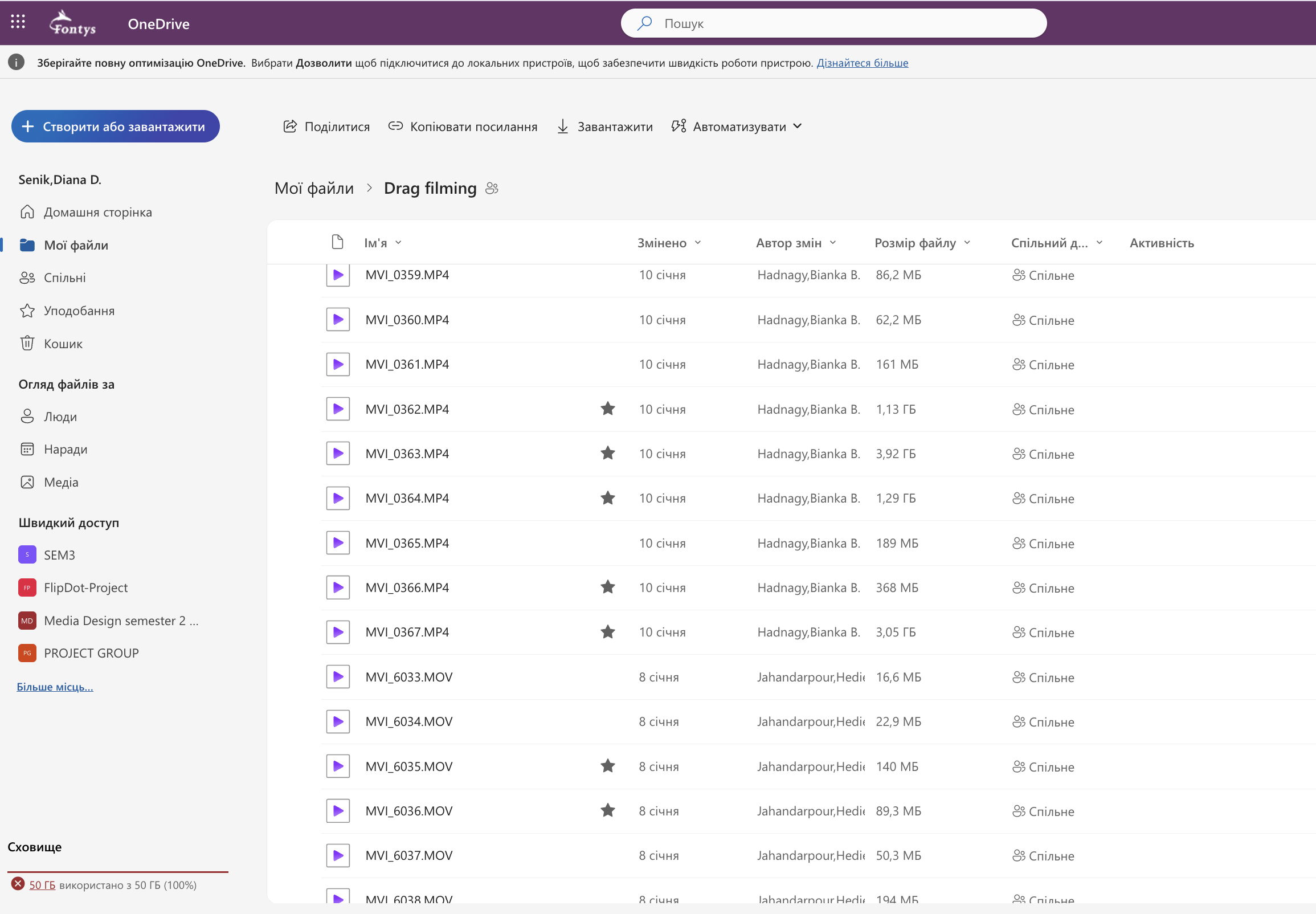
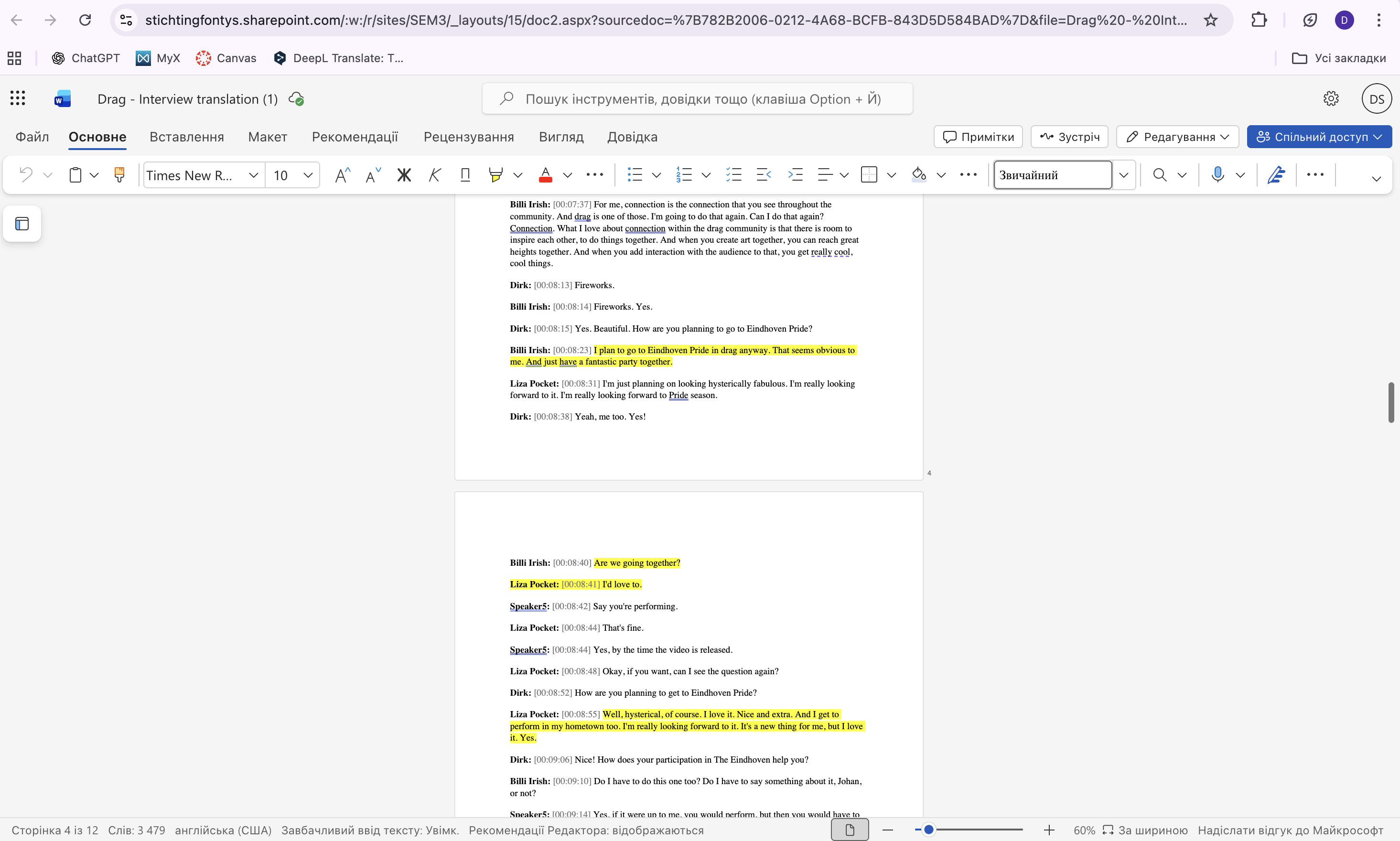
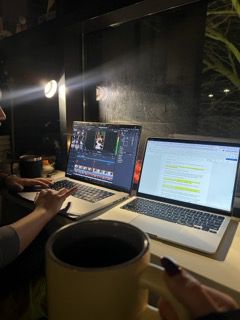
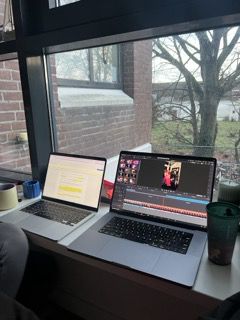
Hedieh and I were responsible for editing a reel about the Drag community. We started by selecting the best video shots, then chose which interview answers to include, using a translation from Xianthe to guide us. After that, we combined A-roll and B-roll footage into a rough cut and worked on refining the sequence.
How did it go
The editing process was challenging since we don’t speak Dutch, but the translated script helped us stay focused. We applied visual storytelling and pacing principles to keep the video clear and interesting. After showing a first version to our teacher, we received useful feedback and made small but important changes to improve clarity.
What did I learn
I learned how to shape a strong narrative using visuals and voice, even in a language I don't understand. Working with a translation pushed me to focus on visual cues and timing. Choosing royalty-free music also taught me how sound affects the mood, especially for platforms like Instagram.
Retrospective
Next time, I would try to get translations earlier in the process to speed up decision-making. I’d also explore using subtitles to make the video more accessible. More testing with different music tracks could also help match the tone better from the start.
Blender Workshop
What did I do
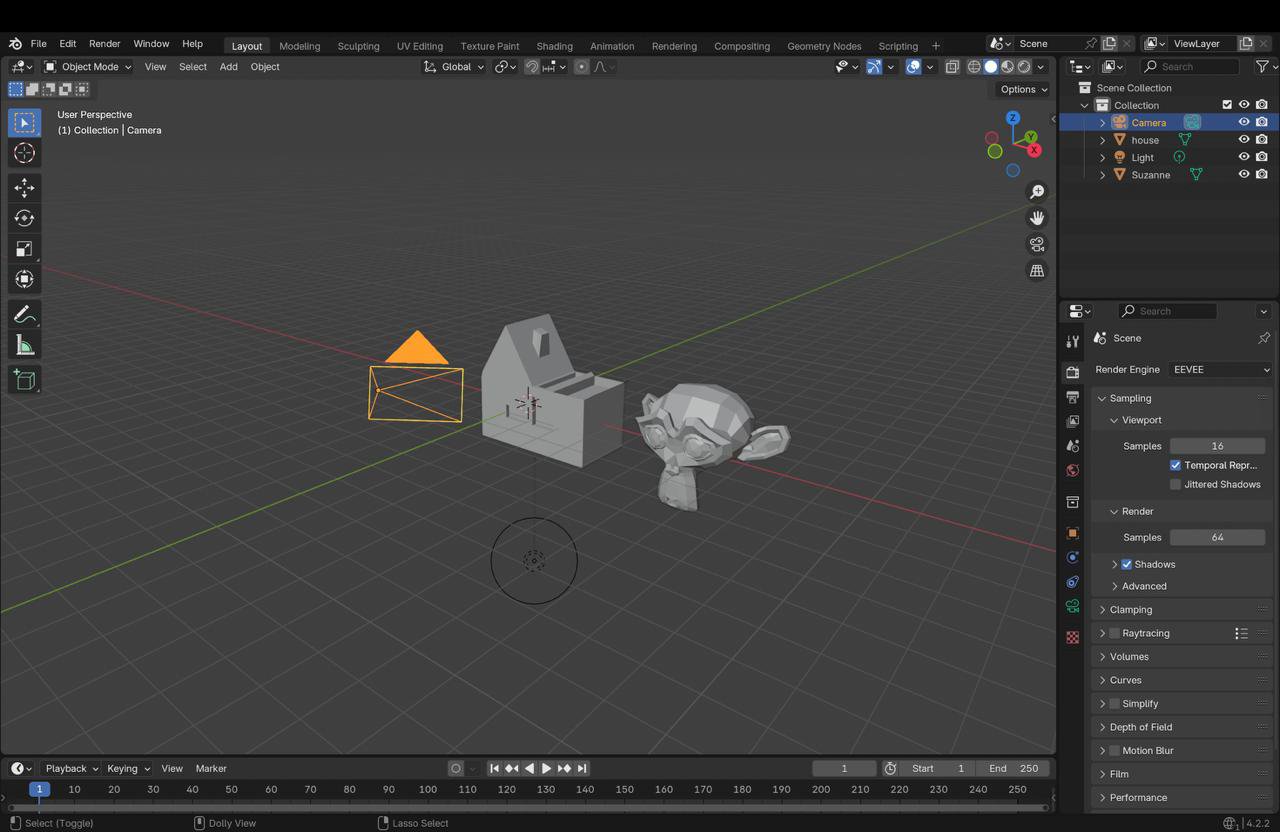
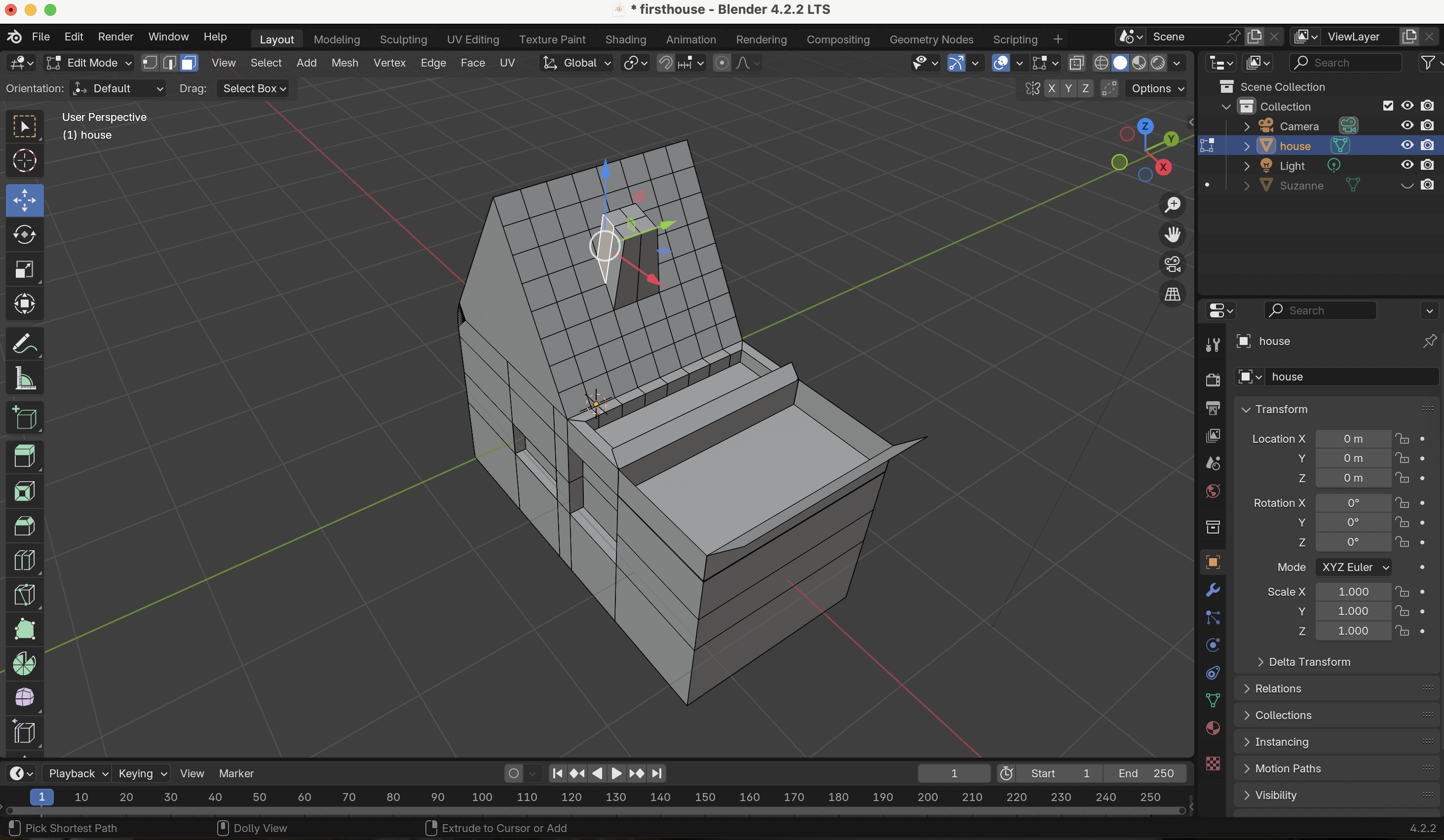
I joined a beginner Blender workshop to explore 3D design. During the session, our teacher explained the basics—moving, scaling, using shortcuts, and switching between Object and Edit Mode. We created a simple house model as a composition, and finally, learned how to render the scene.
How did it go
The workshop helped me understand the core functions of Blender. I had one issue with shortcuts not working, and I figured out it was because my keyboard wasn’t set to English. The teacher's step-by-step guidance made the process clear and enjoyable, especially during modeling and rendering.
What did I learn
I learned how to use Blender’s main tools to create a basic 3D composition. I also learned how important setup details are, like having the right keyboard settings. This experience gave me a good first step in 3D design and showed me how I can apply new tools to future projects.
Retrospective
Next time, I’d check my system setup before starting, so I avoid small issues like shortcut errors. I’d also take some notes during the workshop to remember useful shortcuts and tips. I feel more motivated now to keep learning Blender and improve my 3D design skills.
Filming Glow
What did I do
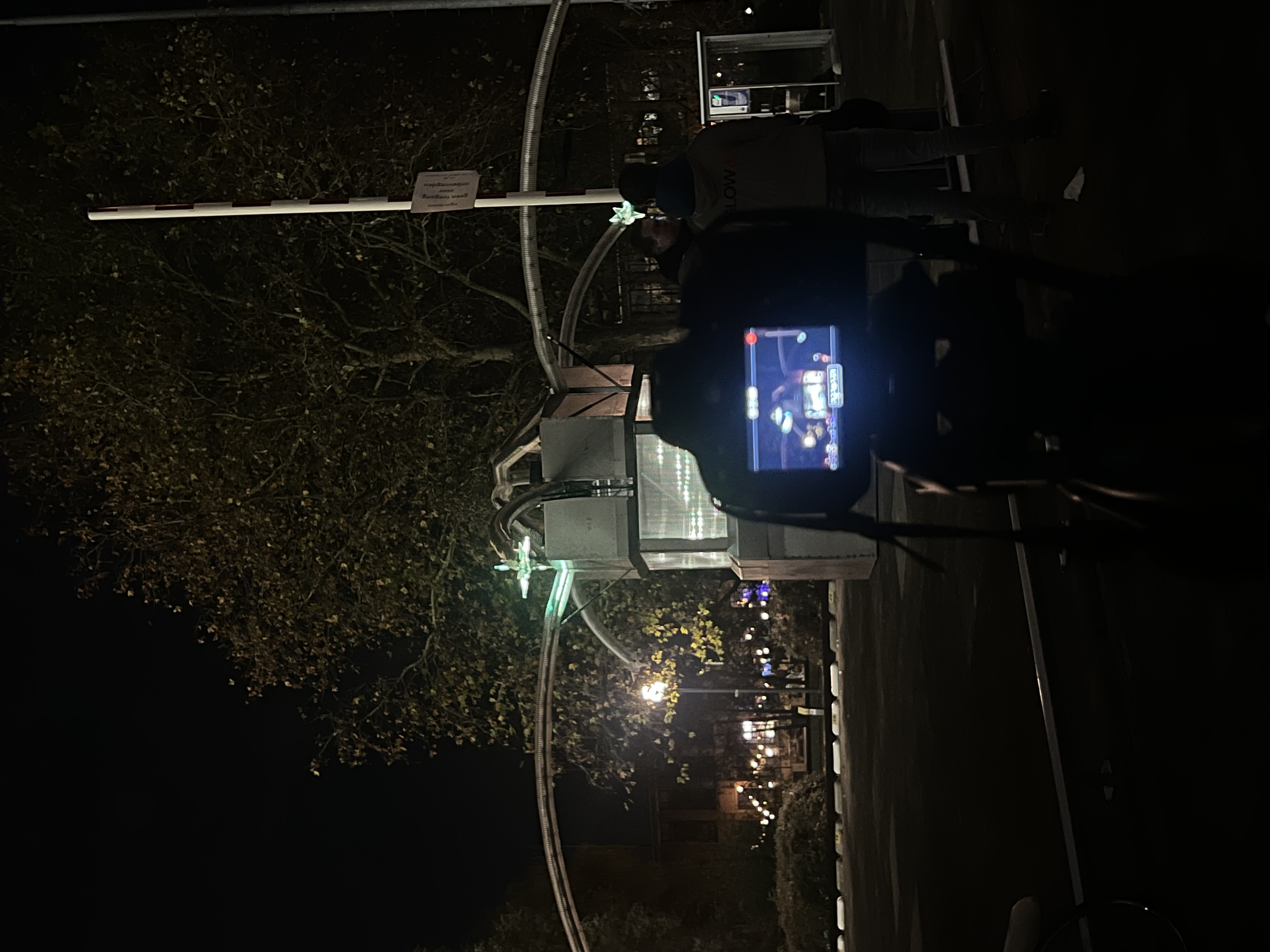
My group and I were invited by Fontys Media Crew to create B-roll video content for the university’s social media. The task was to film a student-made installation featured in GLOW. We met with the creators to understand the concept, and then planned our shots, focusing on the interaction between people and the installation. We filmed using professional equipment from ISSD.
How did it go
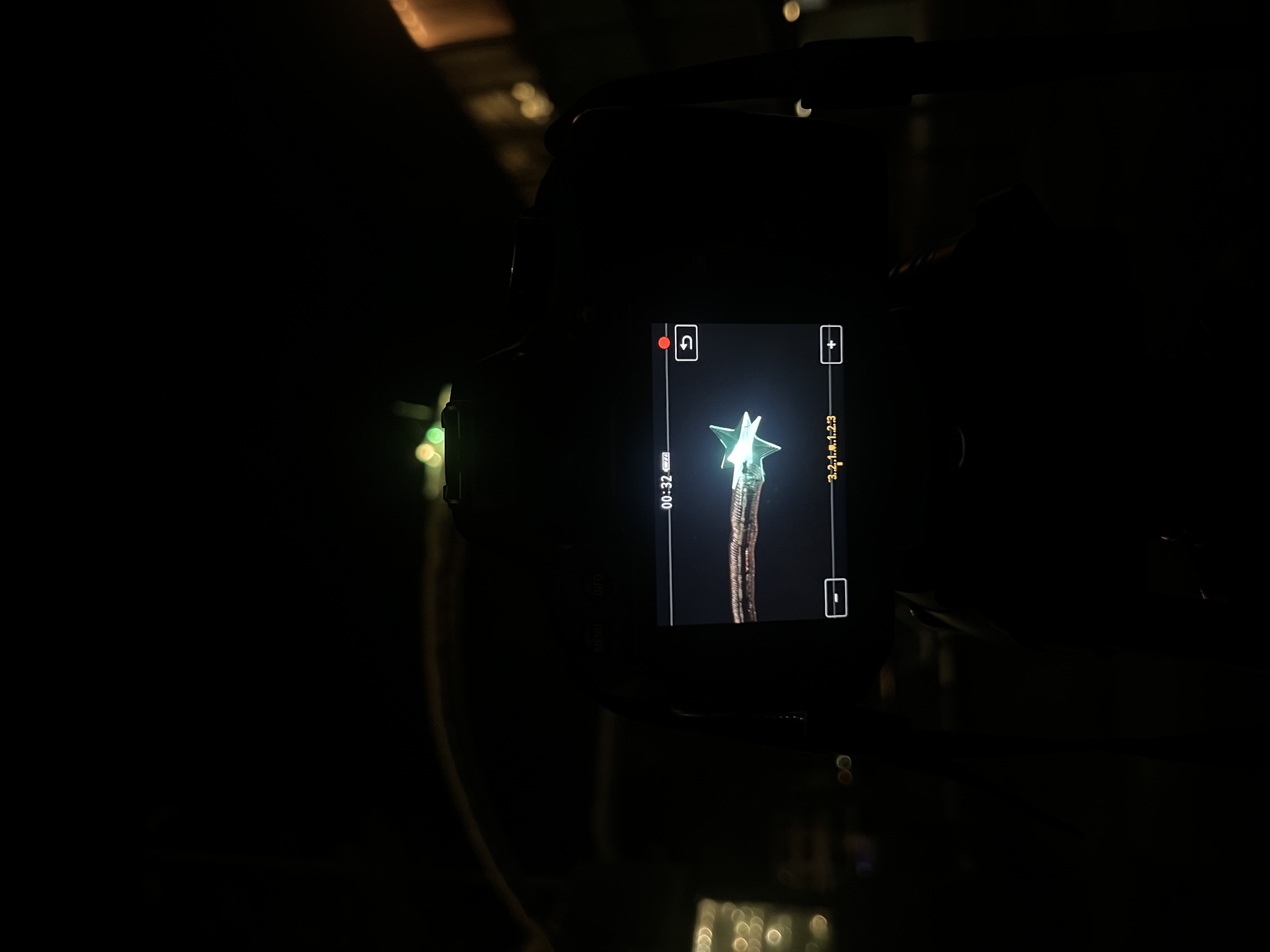
The shoot went well, and the installation was visually exciting. Discussing shot ideas as a group helped us focus on capturing movement and interaction, which fit the concept well. We worked with multiple cameras and lenses, which gave us flexibility in framing. Using professional gear improved the quality of our footage.(I personally filmed on Canon Eos 650D + Canon EF 50 mm lens)
What did I learn
I learned how to approach a real media task professionally, from research and planning to filming with high-quality equipment. Understanding the installation helped guide our visual decisions, and I gained confidence in capturing content that’s both creative and functional for a specific media platform.
Retrospective
Next time, I'd prepare a more detailed shot list and test the equipment earlier to save time on location. I'd also like to explore more dynamic movement shots to make the visuals even more engaging for social media use.